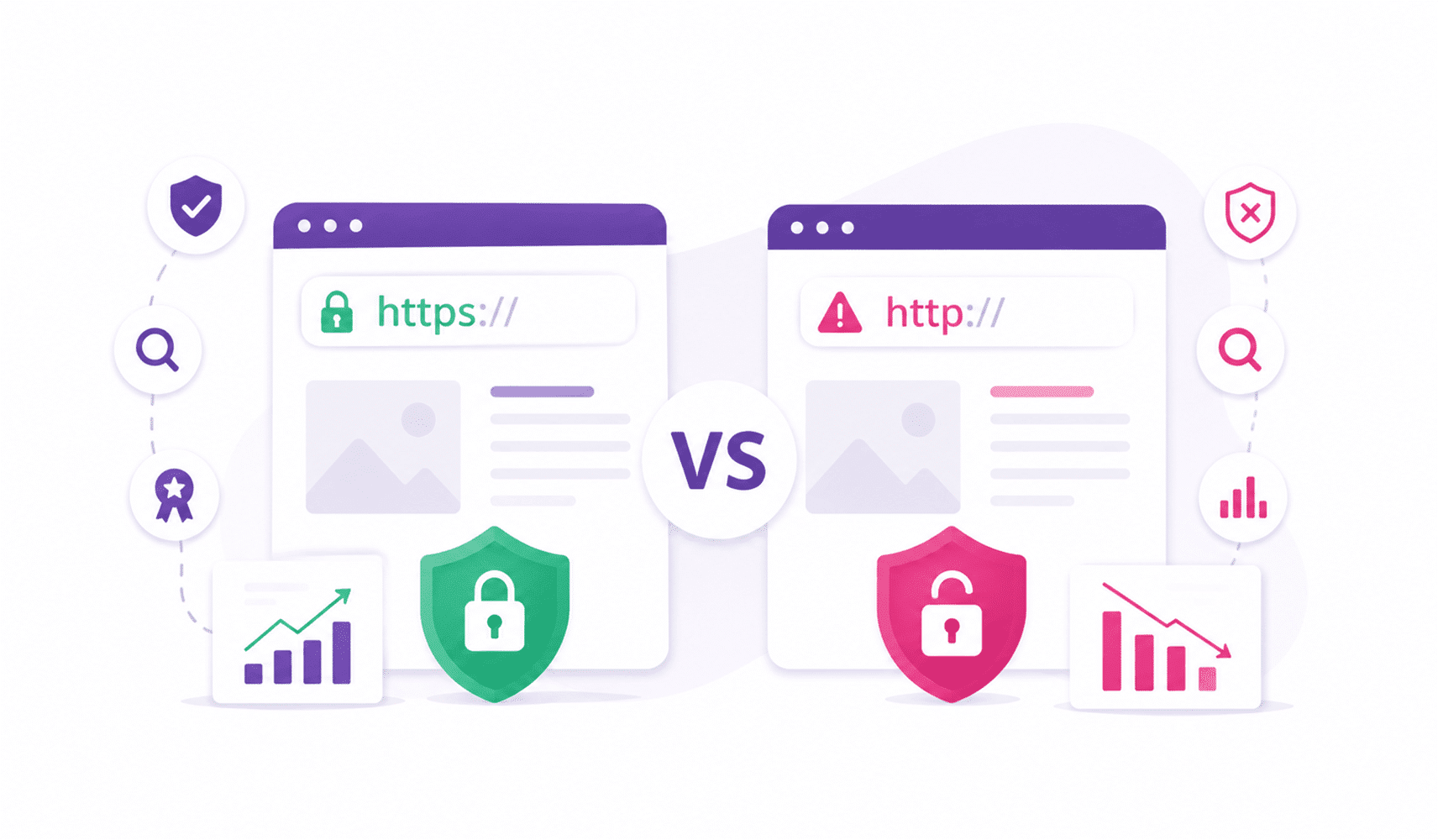

Why image size matters so much
Your Google My Business post image size affects how your content appears in search and maps. If the image is cropped badly, blurry, or too text-heavy, people skip it.
That is the simple truth.
Google wants clean, relevant, high-quality visuals. So do your customers. A good image helps your business profiles look professional. A bad one makes your business feel less credible.
That is why your Google My Business post size matters more than most people think.
The best Google My Business post size
Credit: buglady.com
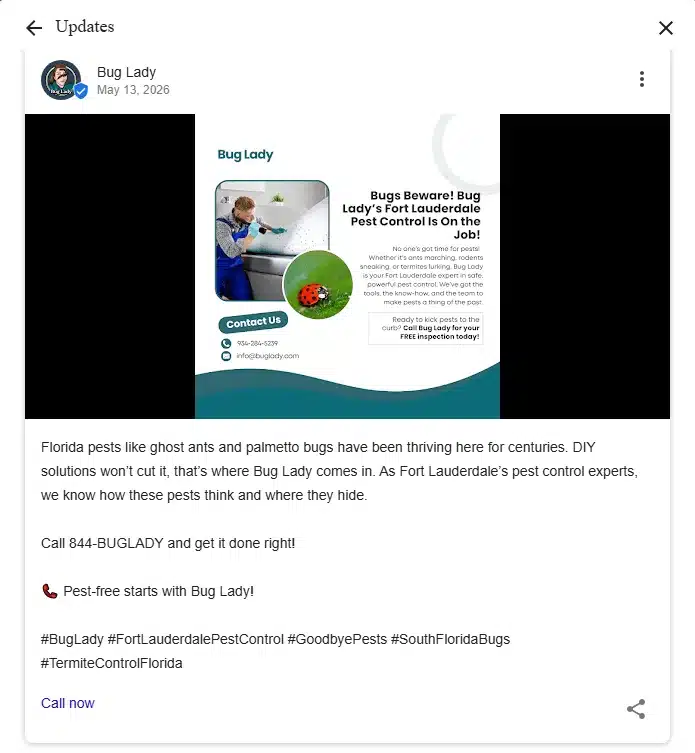
So, the best GMB post size is 1200 × 900 pixels.
That gives you a 4:3 aspect ratio, which displays well across most placements. It also gives enough room for clean visuals without making the image feel stretched.
Here is the quick rule:
- Use 1200 × 900 px for post images
- Keep important elements in the center
- Upload in JPG or PNG
- Keep the file size under 5 MB
If you want to understand more about Google My Business and how posts fit into the bigger picture, read our article on what is the use of Google My Business. Moreover, just remember to center key visuals, upload in JPG or PNG, and keep the file under 5 MB.
What to keep inside the image
Credit: shahrozesparacha.com
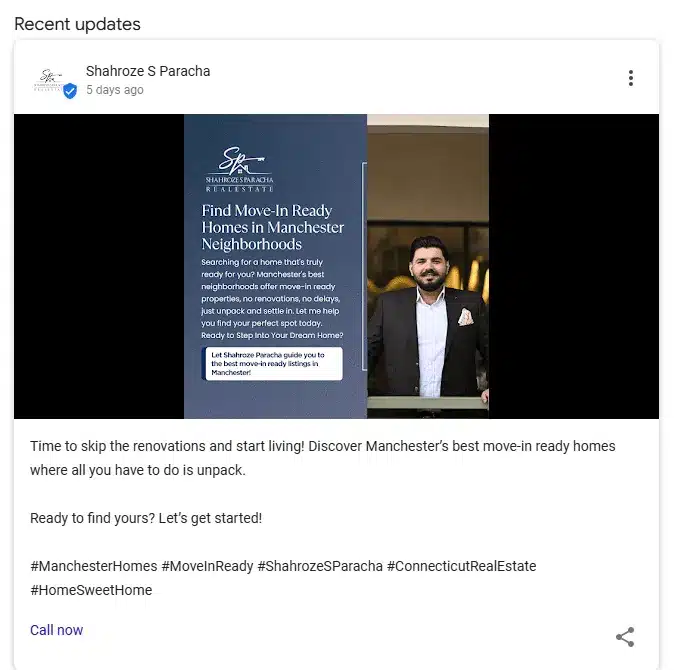
Google sometimes crops images differently depending on placement. That means your headline, logo, or call to action can get cut off if they sit too close to the edge.
So keep your main message in the center.
That is especially important for:
- Offer posts
- Event posts
- Promotional graphics
- Posts with a phone number
- Posts with a visible action button
If your design includes text, keep it short and readable. Your post is not a flyer. It is a quick visual nudge.
JPG or PNG?
Use JPG or PNG only.
That is the easiest way to keep your image looking clean.
- Use JPG for real photos
- Use PNG for graphics, logos, or text-heavy images
Both formats work well for a Google Business Profile post. Just make sure the image is crisp and not overcompressed.
A huge image with poor quality is still a bad image.
What kind of posts should you create?
Credit: buglady.com
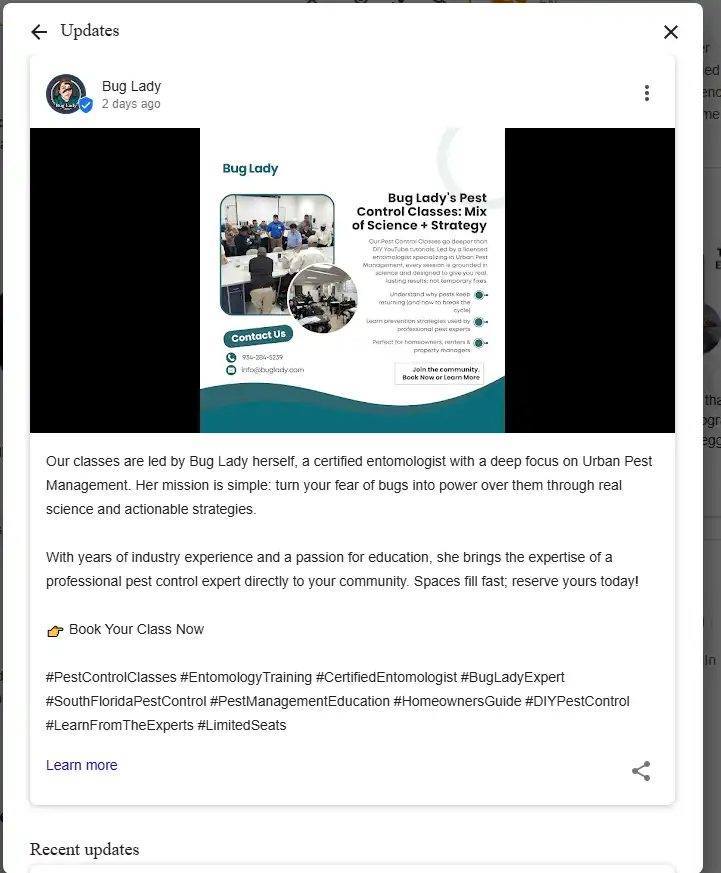
There are a few common types of GMB post examples you can use.
Update posts
These are regular update posts. Use them when you want to share business news, product updates, service changes, or seasonal messages.
This is the most flexible format. You can use it to announce anything new.
Offer posts
Google My Business offer posts are perfect when you want to promote a deal, discount, or special package. These are great when you want to push urgency.
Offer posts usually perform better when they are simple and direct.
Event posts
Use event posts when you are promoting a workshop, launch, opening, or local event. These posts work well when they include a clear date and a strong visual.
Each of these post types helps you stay visible and active.
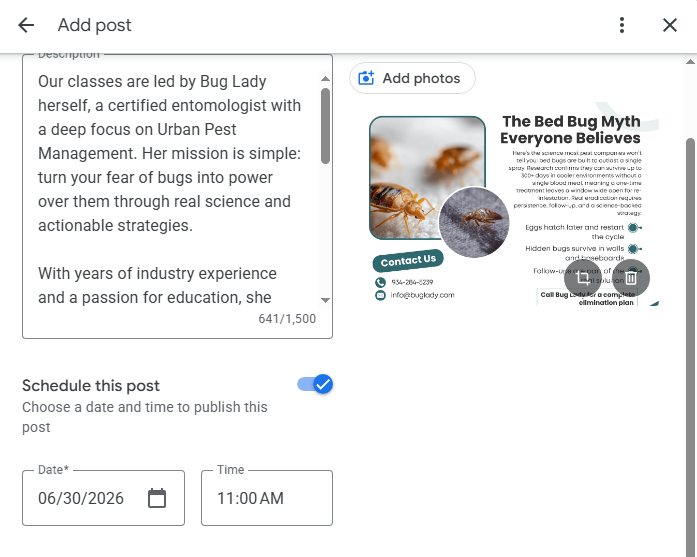
Can you schedule posts on Google My Business?
Credit: buglady.com
Yes, you can, through supported tools and management platforms.
That means you can schedule GMB posts in advance instead of posting manually every time. This is helpful if you want to stay consistent without logging in daily.
You can also automate Google My Business posts using scheduling tools. That saves time and helps you stay active even during busy weeks.
If you are managing multiple locations, this becomes even more useful.
Why scheduling matters
A scheduled post helps you stay consistent.
And consistency matters because active business profiles usually look more trustworthy. When people see regular updates, they assume the business is open, responsive, and paying attention.
That helps you build trust and encourages more clicks.
If your business wants more visibility on Google Search, posting regularly is one of the easiest habits to build.
Do hashtags work on Google My Business posts?
This is a common question we get asked the most.
Short answer: not really in the same way they do on social media.
Google does not rely on hashtags the way Instagram or LinkedIn does. So they should not be your main strategy. Understanding the relationship and how to connect social media and Google Search Console can also help you see which activities contribute to your overall online visibility.
If you use them, keep it light. Do not overload your posts with hashtags. Focus more on relevance, clear writing, and strong visuals.
That will do much more for your visibility.
Best practices for better engagement
Credit: shahrozesparacha.com
If you want your posts to work better, keep these things in mind.
Use real business photos
Authentic business photos always perform better than generic stock images. People want to see your actual space, your real team, and your real work.
Keep the text clear
Your image should say one thing fast. If the visual is cluttered, people will ignore it.
Use a strong action button
A visible action button like “Call Now,” “Learn More,” or “Book” helps drive clicks. That is your call to action. Use it clearly.
Match your brand
Your colors, fonts, and layout should stay consistent across every post. That helps your Google Business Profile feel polished and recognizable.
Keep the file size manageable
A clean image with the right file size loads faster and looks better. That helps users on mobile, too.
What makes a good Google My Business post?
A good post is not just about the image. It is about the full message.
The best posts usually do three things:
- Show something useful
- Make the offer easy to understand
- Push one clear next step
That is why strong update posts, event posts, and offers posts perform better when they feel simple.
You do not need to over-explain. Just help the viewer understand what you offer and what they should do next.
A few smart SEO habits
Credit: buglady.com
If you want your content to perform better in local search, here are a few easy moves:
- Use your main keyword naturally in the copy
- Mention your service area if relevant
- Keep your content fresh
- Use a clear phone number where needed
- Make sure your profile details are complete
- Update your cover photo and images regularly
- Use clear descriptions for each post
These small improvements help your profile look active and relevant. But doing it all right, from GMB setup to keyword placement to ongoing updates, requires expertise and consistency. We’ve got you covered. Our SEO services handle your complete local search presence: GMB optimization, keyword strategy, content management, and more. Ready to dominate local search? Let’s talk.
Why this works
Google wants to show helpful, trustworthy, and active listings. That means your content should be easy to read, easy to understand, and easy to act on. When your Google My Business post image size is correct, your visuals look cleaner. And when your wording is clear, users understand your message faster.
That is what helps you stand out in Google Search and Maps.
Ending Remarks
The right Google My Business post size is not just a technical detail. It affects how your content looks, how people react to it, and how much trust your Google Business Profile creates. Use the right image size, keep your visuals sharp, and make sure your message is simple. And most importantly, keep everything natural.
That is how you create posts that actually help people.
Frequently Asked Questions
Here are the answers to your most common questions regarding GMB post size and formatting.
What is the best Google My Business post size?
The best GMB post size is 1200 × 900 pixels with a 4:3 aspect ratio.
Can I schedule posts on Google My Business?
Yes, you can schedule Google My Business posts using supported tools and scheduling platforms.
Do hashtags work on Google My Business posts?
Not really. Unlike social media, hashtags are not a major ranking factor in Google Search.
What file format should I use for Google Business Profile posts?
Use JPG or PNG. Both work well depending on whether you are using photos or graphics.
What kind of posts work best?
The best results often come from simple update posts, strong offer posts, and clear event posts with a good call to action.