In today’s digital world, Google My Business (GMB) has quickly become one of my must-have tools as a business owner—especially if you have a physical location. It’s like my secret weapon for getting noticed online, connecting with customers, and making sure my business shows up when people search for what I offer locally. But, you might be wondering, what exactly is Google My Business, what is the use of google my business, and why should I care about it?
Well, that’s exactly what I’m going to dive into. I’ll walk you through how GMB works, why it’s essential for businesses like mine, and how I set it up to make sure I’m getting the most out of it. Trust me, once I tell you how this tool works, you’ll be wondering how you ever ran your business without it!
What is Google My Business?
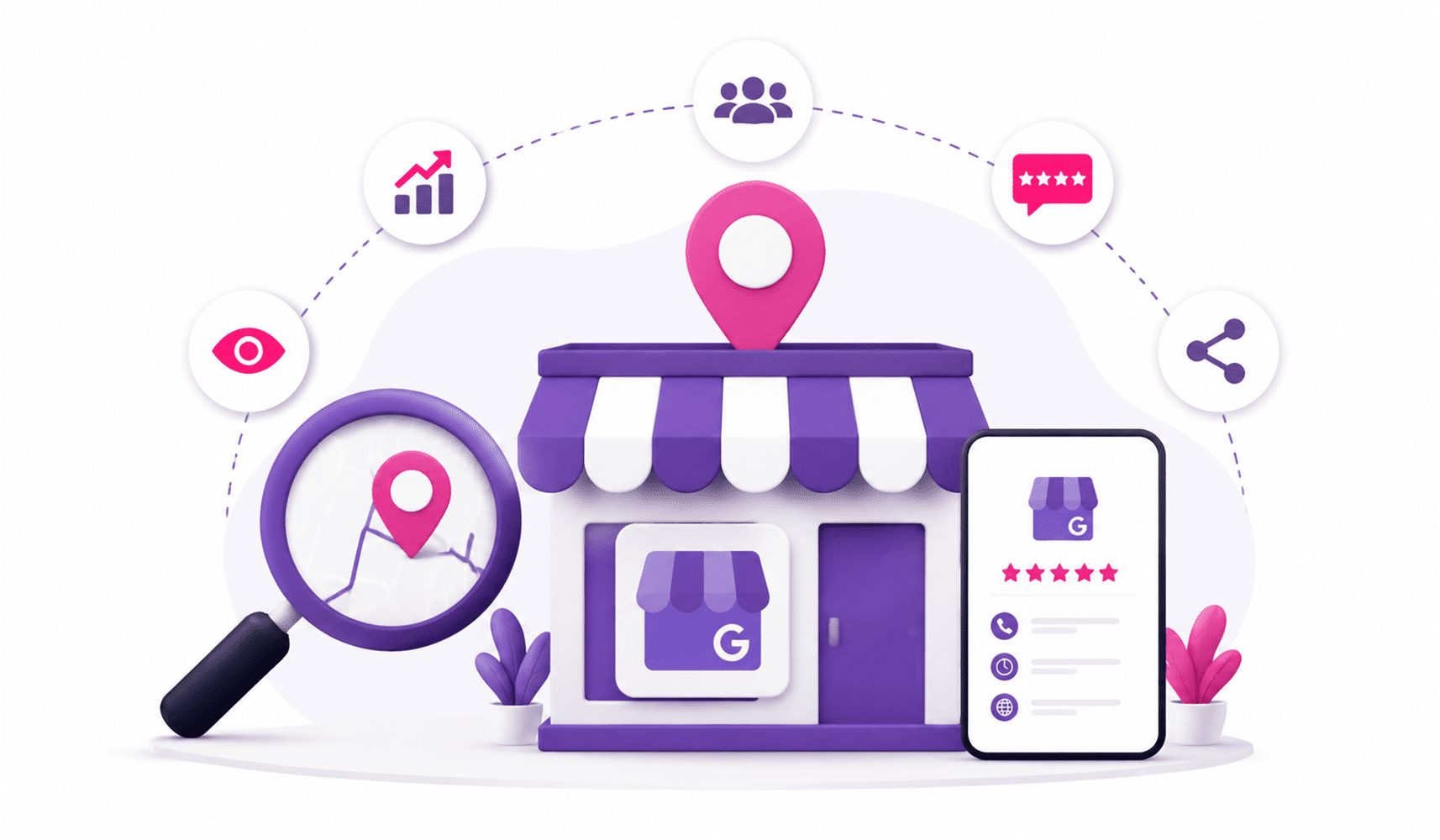
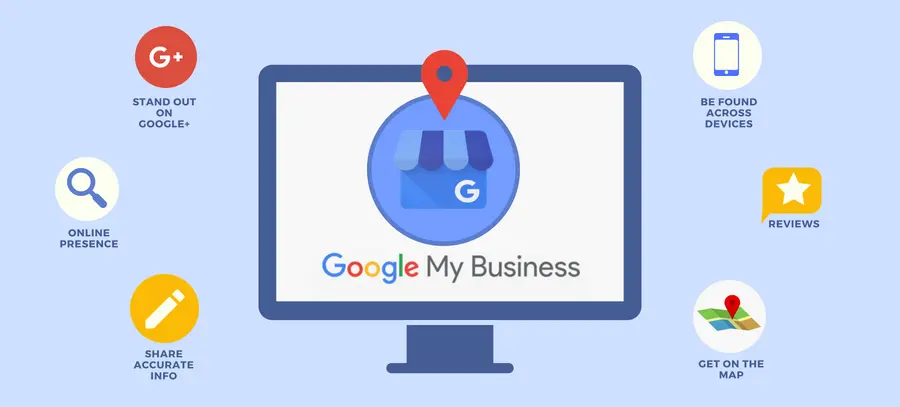
Google My Business (GMB) is a free tool offered by Google that allows businesses to manage their online presence across Google, including Search and Maps. By creating or claiming your business listing on GMB, you can provide important information such as your business name, location, hours of operation, and contact details.
A well-managed GMB profile can increase your business’s visibility in local search results, making it easier for potential customers to find you. Whether you’re a restaurant, retail shop, or a service-based business in Dubai, having an optimized Google My Business profile is essential.
Key Features of Google My Business
- Business Information: Display essential details like your business name, location, and working hours.
- Customer Interaction: Engage with customers through reviews and messages.
- Photos: Showcase your products, services, and business atmosphere.
- Insights: Analyze how customers find and interact with your business online.
- Local SEO Benefits: Enhance your local search visibility and reach customers in your area.
Why Should You Use Google My Business?
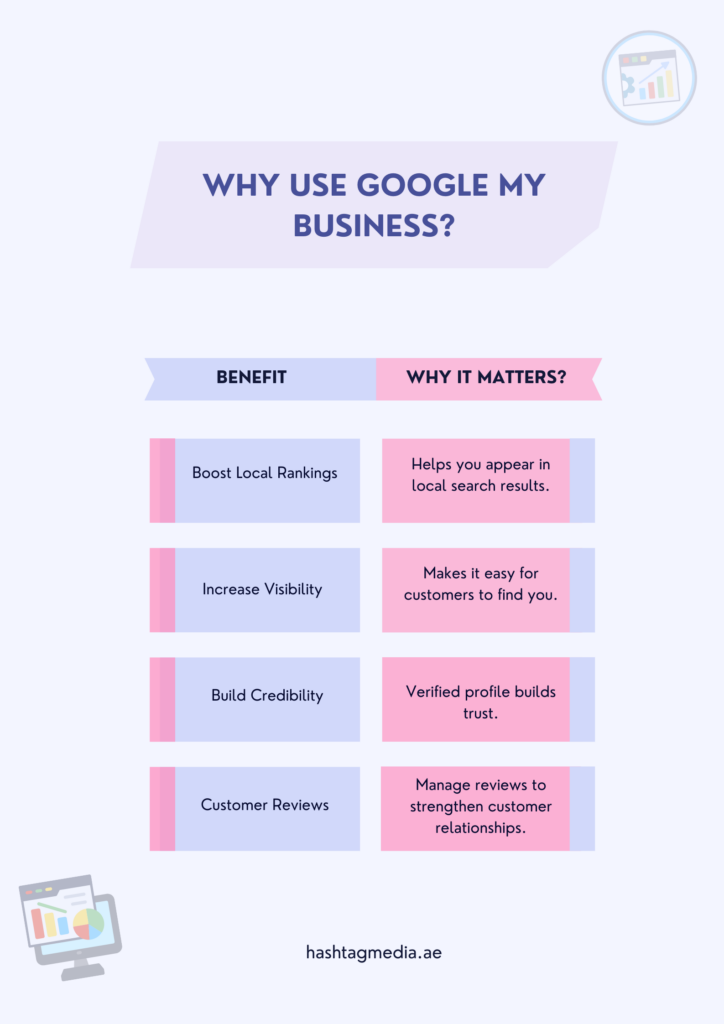
Google My Business is not just about creating a listing. It’s about optimizing it to improve visibility and trust with potential customers. Here are some key benefits of using GMB:
a. Boost Your Local Search Rankings
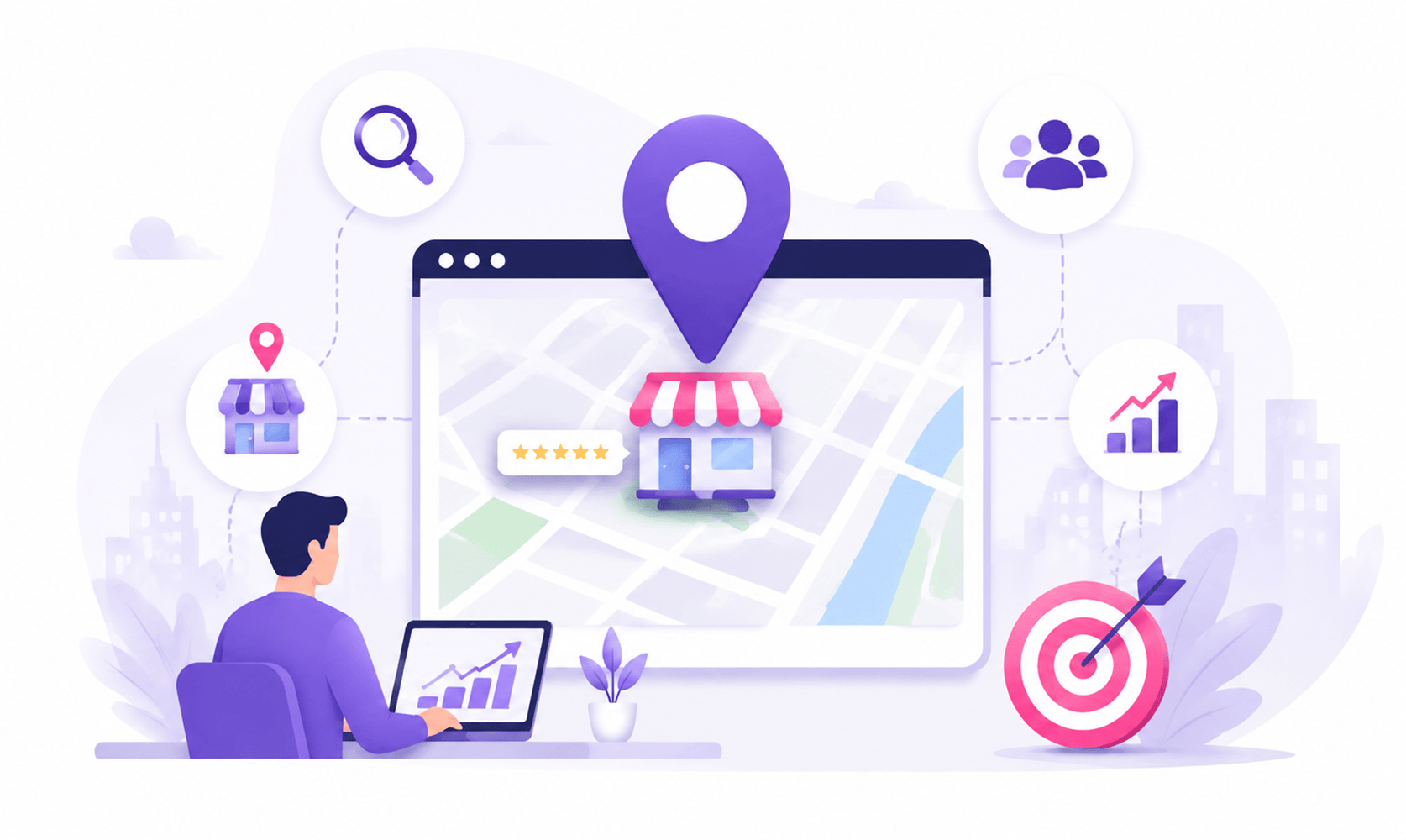
An optimized GMB profile is key for local SEO, helping you appear in Google’s “local pack.” This is vital, especially for businesses in Dubai, where local searches are frequent.
- Tip: Complete your profile with accurate hours, services, and location.
- Increases your chances of ranking higher in local searches.
- Appears in both Google Search and Google Maps.
b. Improve Online Visibility
Even if users aren’t searching for your exact business name, GMB ensures you show up when they search for services nearby.
- Tip: Keep your profile updated to stay visible to customers.
- Makes it easier for customers to find you on Google.
- Helps attract local customers searching for your services.
c. Establish Credibility and Trust
A verified GMB listing boosts your credibility. Customers trust businesses that appear on Google, leading to better conversion rates.
- Tip: Engage with reviews to show you value customer feedback.
- Verified businesses rank higher and appear more trustworthy.
d. Customer Engagement and Reviews
Customer reviews are vital for influencing decisions. GMB lets you respond, helping you engage with customers and improve trust.
- Tip: Always respond to reviews—positive or negative.
- Positive reviews boost your ranking and reputation.
e. Showcase Your Products and Services
You can upload photos, logos, and customer photos to highlight your offerings and attract more customers.
- Tip: Use high-quality images to grab attention and drive engagement.
- Photos help potential customers get a feel for your business.
How to Set Up Google My Business?
Credit: support.growth99.com
Setting up your Google My Business account is relatively simple. Here’s a step-by-step guide to get started:
Step 1: Sign in to Google My Business
You need a Google Account to access Google My Business. If you already have one, log in. If not, create a Google account and use it to sign up.
Step 2: Add Your Business
Once logged in, click on “Add your business to Google” and enter the necessary details, such as business name, address, phone number, and website. If you’re a business located in Dubai, make sure to specify the correct location.
Step 3: Verify Your Business
To verify your business, Google usually sends a postcard to your business address with a verification code. Once you receive it, enter the code to confirm your listing.
Step 4: Add Photos and Business Information
Upload your logo, cover photo, and other relevant pictures to showcase your business. Ensure that your Google My Business cover photo size and other photo dimensions are optimized for better viewing. A high-quality GMB services image will help customers visualize your offerings more effectively.
Step 5: Optimize Your Profile
Make sure your business information is complete and accurate. This includes your operating hours, website link, and the products or services you provide. You can also add keywords to Google My Business to make your listing more relevant in search queries. For example, if you provide SEO services in Dubai, including keywords like “SEO services in Dubai” or “local SEO services” can help attract the right audience.
How to Add Keywords to Google My Business
Incorporating relevant keywords into your Google My Business profile is essential for enhancing its discoverability. Here’s how to do it:
- Business Description: Make sure to use keywords in your business description. For instance, “We offer top-tier local SEO services in Dubai, helping businesses improve their online visibility.”
- Services Section: List your services using keyword-rich descriptions. For example, if you offer website development, mention “website design” or “custom web development” in your services section.
- Posts: You can publish posts that contain keywords related to current promotions or services.
Using the right keywords will ensure that your business information aligns with what potential customers are searching for.
How to Add Photos to Google My Business
Credit: sebastianagosta.com
Photos play a significant role in drawing attention to your business. Here’s how to upload them:
- Go to your GMB dashboard.
- Click on the “Photos” tab.
- Select the type of photo (e.g., interior, exterior, staff).
- Upload high-quality images that meet Google My Business photo size requirements. Google recommends using JPG or PNG formats with a maximum file size of 5MB and an optimal resolution of 720×720 pixels.
How to Manage Multiple Locations on Google My Business
If your business has multiple locations, Google My Business allows you to manage them all from a single dashboard. Here’s how you can set it up:
- Add New Locations: Go to your Google My Business account, click on “Manage locations,” and follow the prompts to add new locations.
- Update Information for Each Location: You can manage the business information, photos, reviews, and even update specific details per location.
By managing multiple locations effectively, you can cater to a wider audience and ensure that customers in different areas can find your business.
Google My Business Appeal: What If You Encounter Issues?
Sometimes, issues arise with your Google My Business listing, like an incorrect Google My Business cover photo or even a deletion of photos. If your listing has been suspended or your photos have been removed without notice, you can file a Google My Business appeal. Ensure that you have all the necessary details and provide clear documentation explaining the issue. Google will review your appeal and respond accordingly.
FAQ’s
Here’s a quick roundup of some frequently asked questions about Google My Business.
How can I improve my Google My Business ranking?
Keep your business info up to date, add new photos, encourage reviews, and use relevant keywords in your description.
What is the best image size for Google My Business?
For the cover photo, use 1080×608 pixels. For other images, aim for at least 720×720 pixels in JPG or PNG format.
Can I manage Google My Business for multiple locations?
Yes, you can easily add and manage multiple locations through your GMB dashboard.
How do I respond to Google reviews?
Simply go to your GMB dashboard, find the review, and respond directly to engage with customers and boost your reputation.
How do I add my business to Google Maps?
Once your business is verified on GMB, it will automatically appear on Google Maps when people search for businesses near them.
The Bottom Line
In conclusion, Google My Business is a powerful tool for improving your business’s online visibility, customer interaction, and overall success. Whether you’re a small business owner or managing multiple locations, Google My Business offers the features and flexibility to cater to your needs. If you’re ready to take your business to the next level in local search, visit Hashtag Media’s SEO services or check out our SEO and PPC services for professional guidance.
By making the most of Google My Business, you can ensure your business stands out on Google Search and Maps, helping you connect with more customers in your area.