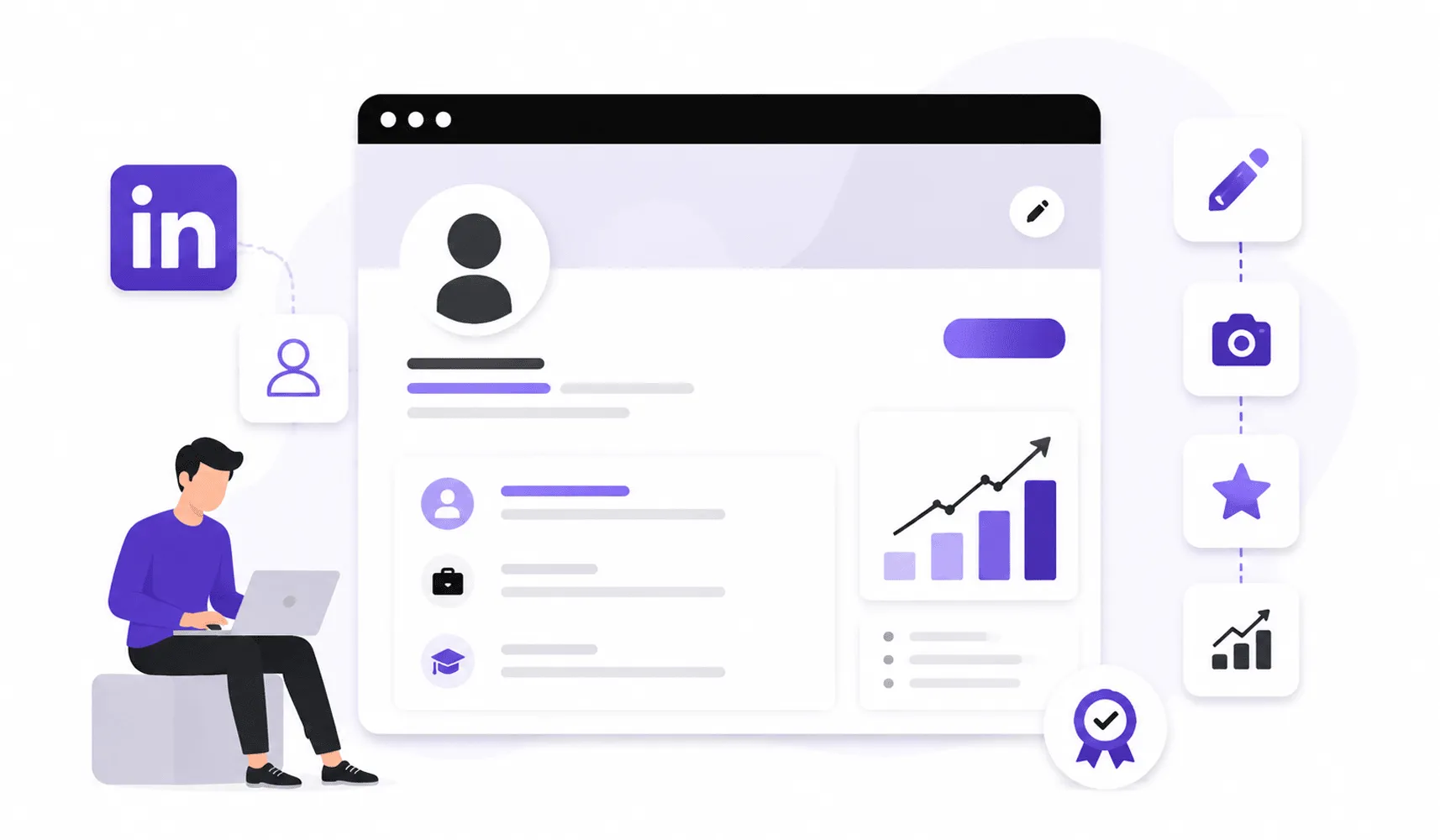
Why Updating Your LinkedIn Profile Matters
Before we get into the how, let’s talk about the why because a lot of people underestimate this.
LinkedIn Is Your Digital Reputation
Credit: linkedin.com
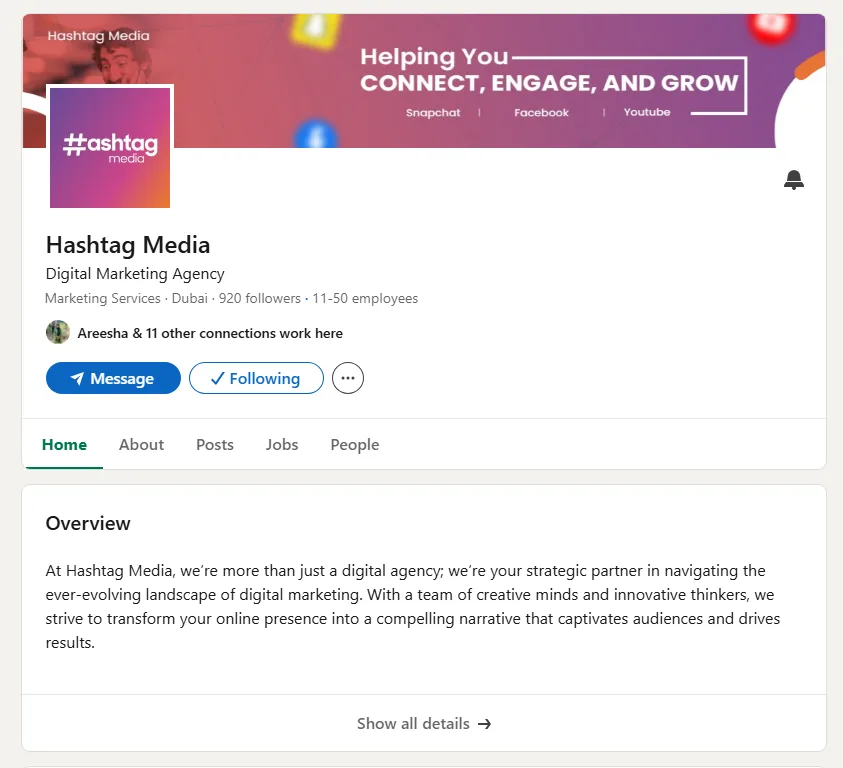
Think of your LinkedIn profile as your digital business card, CV, and first impression, all in one place. It’s the foundation of your personal branding online. When someone Googles your name, LinkedIn almost always shows up on the first page. That means it shapes how people perceive you before you’ve even said hello.
If your profile looks stale or incomplete, that’s the impression you leave.
Opportunities Often Come Before Applications
Most career opportunities don’t come from job boards. They come through networks. A recruiter finds you while searching. A potential client checks your profile after a referral. A collaborator discovers you through a mutual connection.
None of these people are going to wait for you to apply. They’re either impressed by what they see, or they move on. This is exactly why profile optimization isn’t optional anymore. It’s essential.
Your Career Changes, But Your Profile Stays Behind
You’ve probably grown a lot professionally in the last year or two. New skills, new roles, and new wins. Got a promotion recently? You need to update LinkedIn with that promotion right away. But if your profile doesn’t reflect your current reality, no one knows. Your LinkedIn is only as powerful as the information it holds. Keep it current, and it works for you. Leave it stale, and it works against you.
Start With a LinkedIn Profile Audit
Credit: buffer.com
Before you start updating anything, take ten minutes to review your full profile with fresh eyes.
Ask yourself:
- Does this profile tell a clear story?
- Does it reflect where I am now, not where I was two years ago?
Go section by section. Check your photo, headline, about section, experience, skills, and featured content. Note what’s outdated, what’s missing, and what just doesn’t represent you anymore.
One quick thing before we dive in: if you want to update your LinkedIn profile without notifying your entire network, just switch off your “Share profile updates with your network” toggle in your privacy settings.
That way, you can make changes quietly. Useful when you’re doing a full overhaul and don’t want half-finished updates showing up in people’s feeds. Speaking of which, a lot of people ask, “If I update my LinkedIn profile, will it notify people?” The short answer is yes, by default. But with that toggle off, you stay invisible until you’re ready.
This audit is your starting point. It tells you exactly what needs attention and in what order.
Don’t skip this step. Jumping straight into edits without auditing is like redesigning a room without knowing what furniture you already have.
Update Your LinkedIn Headline to Attract Attention
Credit: linkedin.com
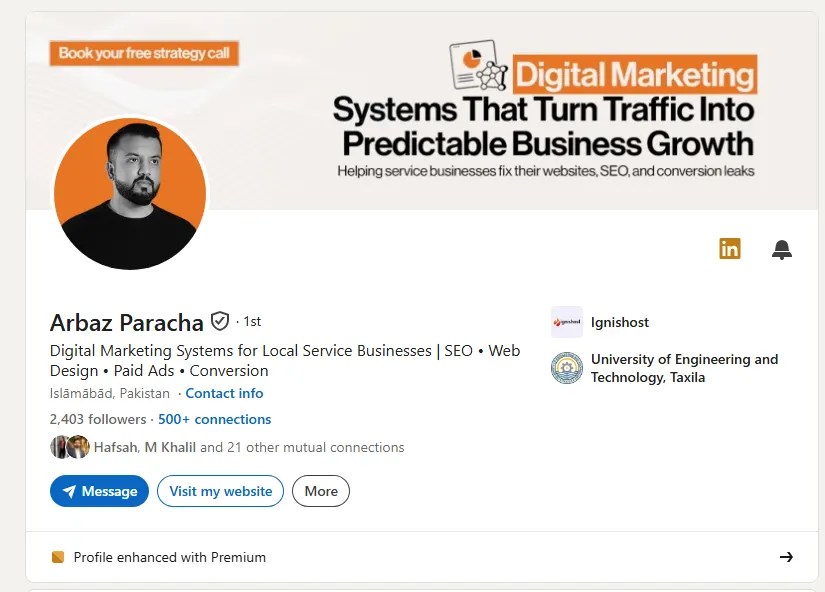
Your headline is the most visible part of your profile. It shows up in search results. It appears next to your name in comments. It’s what people read first.
And yet, most people waste it.
Here’s what a typical headline looks like:
“Marketing Manager at ABC Company”
The problem? It only tells people your job title and employer. That’s it. There’s no value, no context, and no reason for someone to click.
A strong headline does three things. It tells people your role, explains your expertise, and communicates your value proposition clearly.
Here’s the difference in practice:
- Before: “Digital Marketing Executive”
- After: “Digital Marketing Executive Helping Brands Increase Online Visibility Through SEO and Content Strategy”
See how the second one actually tells you something? It answers the question every profile visitor is unconsciously asking: “What can this person do for me?”
When you update LinkedIn, your headline should be one of the first things you rewrite. A few things to keep in mind:
Include relevant industry keywords. This is how LinkedIn’s algorithm finds you.
Explain your expertise clearly. Don’t assume people will figure it out.
Make it searchable. Think about what terms your target audience, whether that’s an employer or a client, would actually type.
LinkedIn gives you 220 characters for your headline. Use them. A strong, keyword-rich headline is one of the most impactful changes you can make when you update your LinkedIn profile.
And here’s something most people don’t realize. A better headline doesn’t just improve your searchability; it directly impacts how many people follow your profile. More compelling positioning means more clicks, more profile views, and more followers. We’ve put together a full breakdown on how to grow your LinkedIn following if you want to take that further.
Refresh Your LinkedIn Profile Photo and Banner
Credit: linkedin.com
People decide within seconds whether to engage with your profile. Your photo is the first thing they see. Make it count.
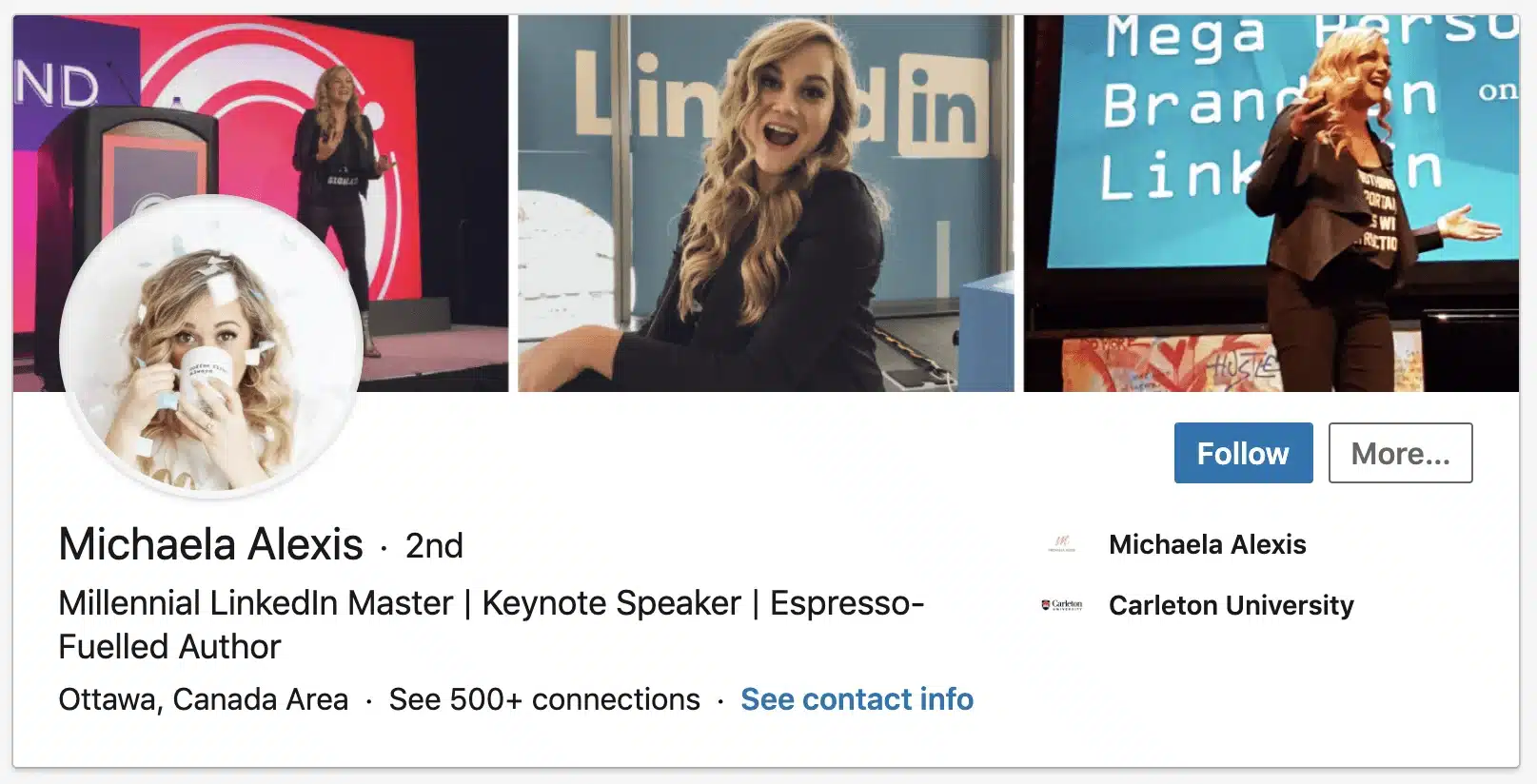
You don’t need a professional studio shoot. But you do need a clear, well-lit, recent photo where your face takes up at least 60% of the frame. No group shots, sunglasses, or cropped vacation photos. Smile. Look approachable. Dress the way you would for a professional meeting.
And yes, does LinkedIn notify you when you update your profile picture? It can. If you update your LinkedIn profile picture with notifications turned on, your connections may see it in their feed. So if you’re doing a quiet refresh, turn off those activity broadcasts first.
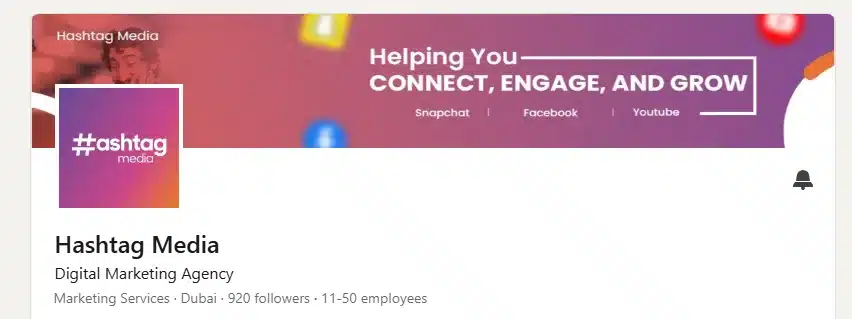
Now look above your profile picture. See that large banner image? Most people leave it as the default blue gradient. That’s a massive missed opportunity.
Knowing how to update your LinkedIn profile banner properly can set you apart immediately. Your banner is prime real estate. Use it to reinforce your professional branding. Add your tagline, a relevant visual, or even your website URL. It takes ten minutes to design something basic in Canva, and it immediately makes your profile look more intentional and polished.
A great photo and a custom banner together signal one thing: this person takes their professional presence seriously.
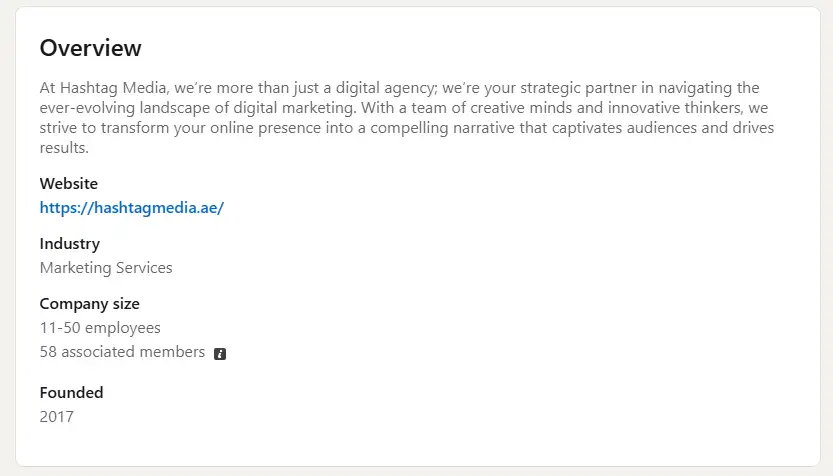
Rewrite Your LinkedIn About Section Like a Conversation
Credit: linkedin.com
Most LinkedIn About sections read like a third-person bio from a company website. Stiff, formal, and boring.
Here’s a better approach. Write it like you’re talking directly to the person reading it.
Start with a hook. What’s the one thing you want someone to remember about you? Lead with that.
Then explain who you are, what you do, and who you help. Keep it human and real. Don’t be afraid to show some personality. This is the core of personal branding, and LinkedIn’s About section is the best place to express it.
End with a clear call to action. What do you want the reader to do next? Message you? Visit your website? Reach out for a collaboration?
Here’s a simple structure that works:
- Hook: grab their attention immediately.
- What you do: clearly and specifically.
- Why it matters: the value you deliver.
- A bit of personality: make it memorable.
- Call to action: tell them what to do next.
Your About section essentially functions as your digital elevator pitch. Treat it that way. You have 2,600 characters; use them wisely, but don’t ramble. 300 to 500 words is the sweet spot.
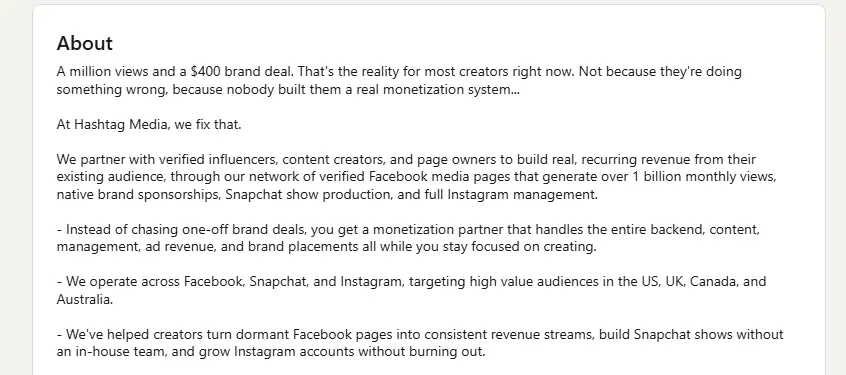
Add Achievements Instead of Just Responsibilities
Credit: linkedin.com
This is one of the most common mistakes people make on LinkedIn.
They list what their job responsibilities were. But nobody is hiring you for your responsibilities. They’re interested in your results.
Compare these two descriptions for the same role:
- Responsibility-focused: “Managed social media accounts for the brand.”
- Achievement-focused: “Grew brand Instagram following from 3K to 22K in 8 months through a consistent content strategy and targeted campaigns.”
Which one makes you want to know more?
Whenever possible, add numbers. Percentages, time frames, revenue figures, and growth metrics. Specificity builds credibility. Vague statements build nothing.
Go back through each role in your experience section. For every bullet point, ask yourself: “Did I say what I achieved, or just what I did?” If it’s the latter, rewrite it.
One more thing: if you want to update your LinkedIn profile based on your resume, that’s a perfectly valid starting point. But don’t just copy-paste. Your resume is a document. Your LinkedIn profile is a conversation. Rewrite resume bullet points in a more human, engaging tone. And if you’re uploading directly, use the “update LinkedIn with resume” feature under your profile settings; it auto-populates your experience fields, saving you time. Just clean it up afterward so it doesn’t read like a Word document.
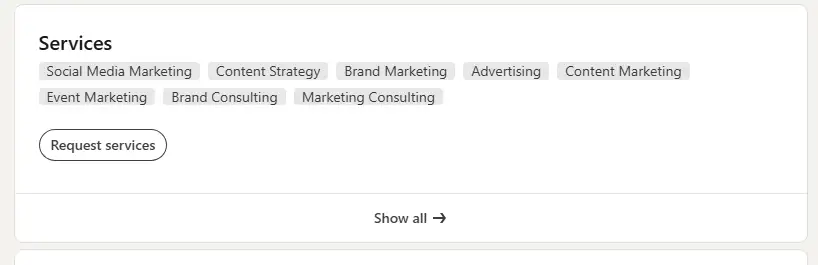
Update Your Skills & Get Relevant Endorsements
Credit: linkedin.com
Your skills section is one of the most underestimated visibility strategies on LinkedIn. It allows the algorithm to better understand who you are and helps others in your target audience find you more easily.
LinkedIn allows up to 50 skills. Don’t just add 50 random ones. Be strategic. Think about the skills that are most relevant to where you want to go, not just where you’ve been.
prioritize the top three skills you want to be known for. These appear most prominently. Make sure they align with your professional branding goals and match what your ideal employer or client would search for.
Then, reach out to connections and ask for endorsements on the skills that matter most. A simple, direct message works fine:
“Hey [Name], I’m refreshing my LinkedIn. Would you be willing to endorse me for [specific skill]? Happy to return the favour.”
And while you’re at it, endorsing others costs you nothing and builds goodwill in your network. That’s what virtual networking is all about.
Add Featured Content to Showcase Your Expertise
Credit: linkedin.com
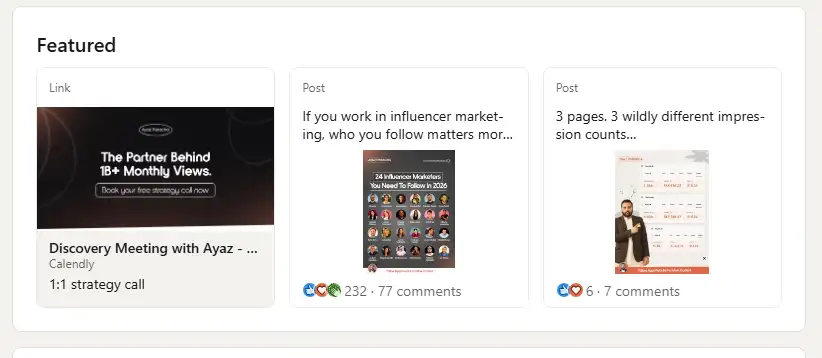
The Featured section sits right below your About section. It’s one of the most underused sections on LinkedIn.
This is where you can pin your best work. Use it to show, not just tell. Think of it as your thought leadership showcase.
What can you add here?
- A link to your portfolio or website
- A blog post or article you’ve written
- A case study or project you’re proud of
- A LinkedIn post with strong engagement
- A media feature or press mention
Video content is seriously underused, and extremely effective for visibility
Video content in particular is one of the fastest-growing formats on LinkedIn right now. A short, well-produced video introducing yourself or explaining your expertise gets significantly more engagement than a static post. If you haven’t experimented with video content on your profile yet, add one to your Featured section and watch what happens.
Think of the Featured section as your highlight reel. A visitor lands on your profile, sees your headline, reads your About, and then scrolls down to your Featured section, and there’s your work, right there for them to explore.
If you haven’t added anything here, do it today. It takes five minutes and immediately makes your profile look more substantial.
Stay Active After Updating Your Profile
Here’s the truth most people miss. Updating your profile is step one. But a static profile, even a great one, only takes you so far.
LinkedIn rewards activity. The more you engage, the more visibility you get.
You don’t need to post every day. But aim to share something valuable at least once or twice a week. Share an insight from your work. Weigh in on trending topics in your industry. Post a lesson you’ve recently learned. Engage in team collaboration conversations publicly; it signals that you’re collaborative and professionally active.
And about timing: a lot of people ask about the best day and time to update LinkedIn. For publishing posts, Tuesday through Thursday mornings (between 8 am and 10 am) tend to perform best for post engagement. That’s when professionals are most active. Keep that in mind when you share new content after your profile refresh.
Fewer than a third of LinkedIn users post at least once a month. That means just showing up consistently puts you ahead of the majority of users on the platform.
Also, engage with others. Like, comment, and share content that’s relevant to your field. Congratulate connections on milestones. Join conversations in your niche. This is real virtual networking, and it keeps you visible.
One last thing. Make sure your LinkedIn URL is clean and professional. You can update your LinkedIn URL under your profile settings. Instead of a string of random numbers, it should read something like linkedin.com/in/yourname. Then update your email signature, business card, and website to reflect the new URL.
And yes, update your LinkedIn email too if you’re using an old address. Your contact information should always be current. It sounds small, but it matters.
Ending Remarks
Updating your LinkedIn isn’t a one-day project. It’s an ongoing process.
But you don’t have to do everything at once. Start with your headline and photo today. Then work through the rest of your About section, your skills, and your featured content over the next week or two.
If you’re pressed for time, there are AI tools to update your LinkedIn profile that can help you draft sections faster. Or, if you simply want help updating your LinkedIn profile from a professional, you can even hire someone for your personal branding who would manage things on your behalf.
The professionals who get the most out of LinkedIn aren’t necessarily the most talented. They’re the ones who show up consistently and present themselves clearly.
Take your LinkedIn seriously. Because the right opportunity might be just one profile view away.
Frequently Asked Questions
Before you start making changes, here are answers to questions many professionals ask about LinkedIn updates.
How often should I update my LinkedIn profile?
Aim to review your profile every three to six months. Also update it whenever you change roles, finish a major project, gain a new skill, or get a promotion. When you update LinkedIn with a promotion, do it promptly; it’s one of the fastest ways to signal career growth to your network.
Can I update my LinkedIn profile without notifying connections?
Yes. Go to your privacy settings and turn off “Share profile updates with your network.” This lets you update LinkedIn without notifying anyone, useful when you’re doing a major overhaul and don’t want half-finished changes going out.
What is the most important section to update on LinkedIn?
Your headline. It’s the first thing people see and the biggest factor in whether someone clicks on your profile from search results. A strong, keyword-rich headline is profile optimization at its most impact.
How do I update my LinkedIn profile based on my resume?
You can upload your resume directly through the LinkedIn profile editor, which auto-fills your experience and education sections. Just be sure to rewrite the content afterward in a more conversational tone; LinkedIn is not a resume; it’s a personal branding platform.
What’s the best time to post on LinkedIn after updating my profile?
Tuesday through Thursday between 8 am and 10 am local time consistently see the highest post engagement. If you’re announcing a profile refresh or sharing new content, those windows give you the best shot at visibility with your target audience.