We all want to reach the holy grail of the internet—Google’s First Page. It’s where the traffic, visibility, and clicks flow in. But how do we get there? The secret sauce lies in ranking by SEO. I know, it sounds like a simple term, but when you really get into it, SEO can be the difference between your website being buried on page 10 or proudly sitting on the first page of Google.
Today, I’m going to break down how SEO helps you climb the search results, why you need to make Google’s first page your target, and the steps you can take to achieve that top position. Buckle up, because we’re about to unlock the secrets of SEO and take your website straight to the top! Let’s get this journey started!
Why Do You Need Google First Page Ranking?
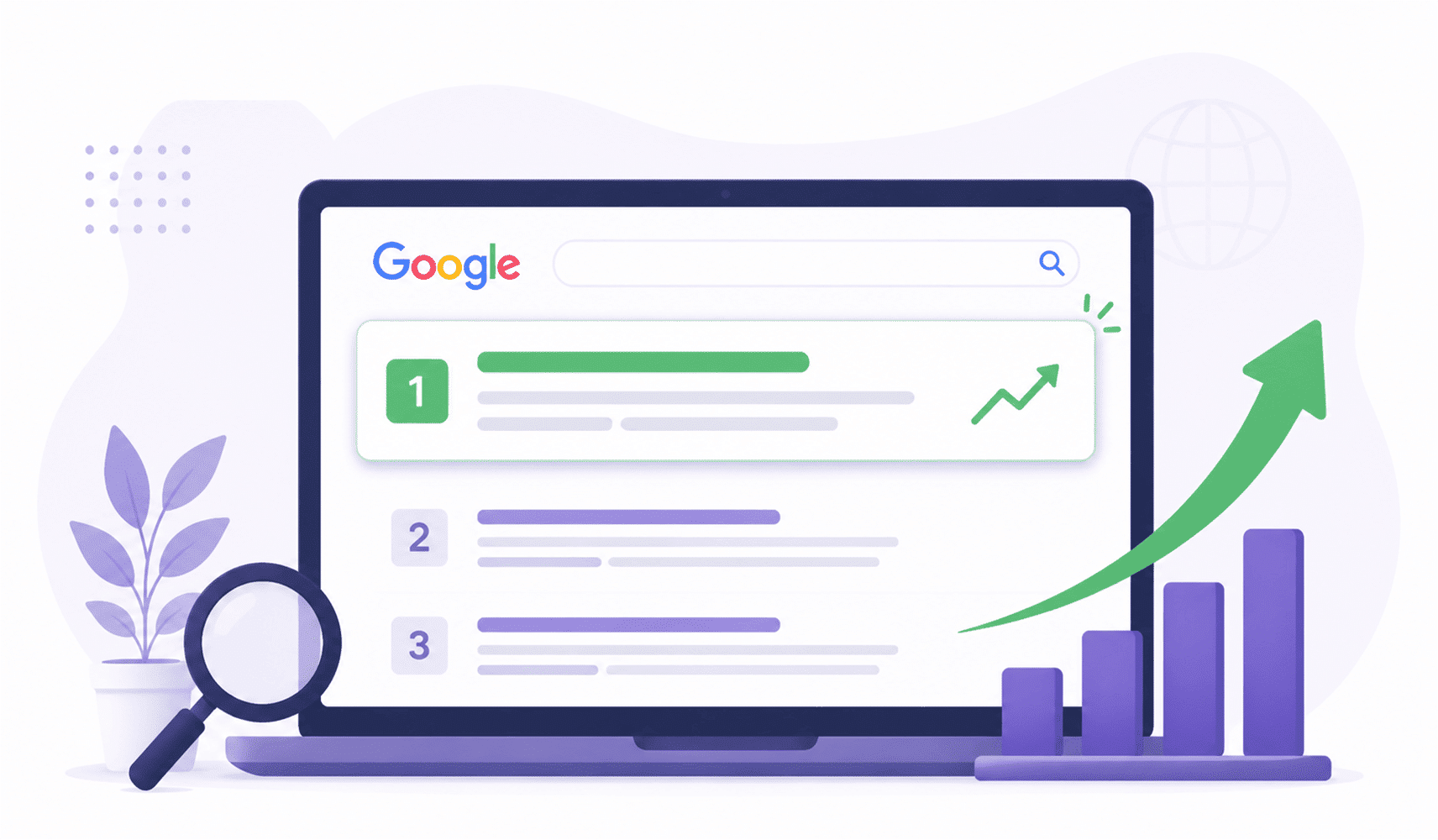
Picture this: You search for something on Google, and the results pop up. You’ll likely click on one of the first few results, right? Well, you’re not alone! Studies show that about 75% of users never scroll past the first page. If you’re not on that first page, you’re missing out on an ocean of potential visitors and customers.
Here’s why being on Google’s first page matters
- Higher Visibility: Ranking on the first page gives you more exposure. It’s the digital equivalent of standing in the spotlight.
- Increased Traffic: More clicks = more visitors. You want the traffic, and the first page is where it’s at.
- Credibility Boost: People trust websites that appear at the top of Google’s search results.
- More Conversions: Higher ranking often means higher conversions, whether it’s signups, purchases, or leads.
So, you see, being on the first page isn’t just about bragging rights—it’s essential for growth.
How Does Google’s Search Results Work?
Google is smart. Really smart. It doesn’t just pick a random website to rank at the top; it uses a set of complex algorithms to determine which pages should appear in the search results.
Here’s a simple breakdown:
- Relevance: Google looks at how well your page matches the searcher’s query.
- Quality of Content: Google loves high-quality, engaging, and well-researched content.
- Technical SEO: How well your website is built (mobile-friendly, fast loading, secure).
- Backlinks: Quality backlinks from other reputable sites play a big role.
So, when you’re aiming for the top, Google’s algorithms are continuously working behind the scenes to analyze relevance, quality, and authority.
What Are Google’s Ranking Factors?
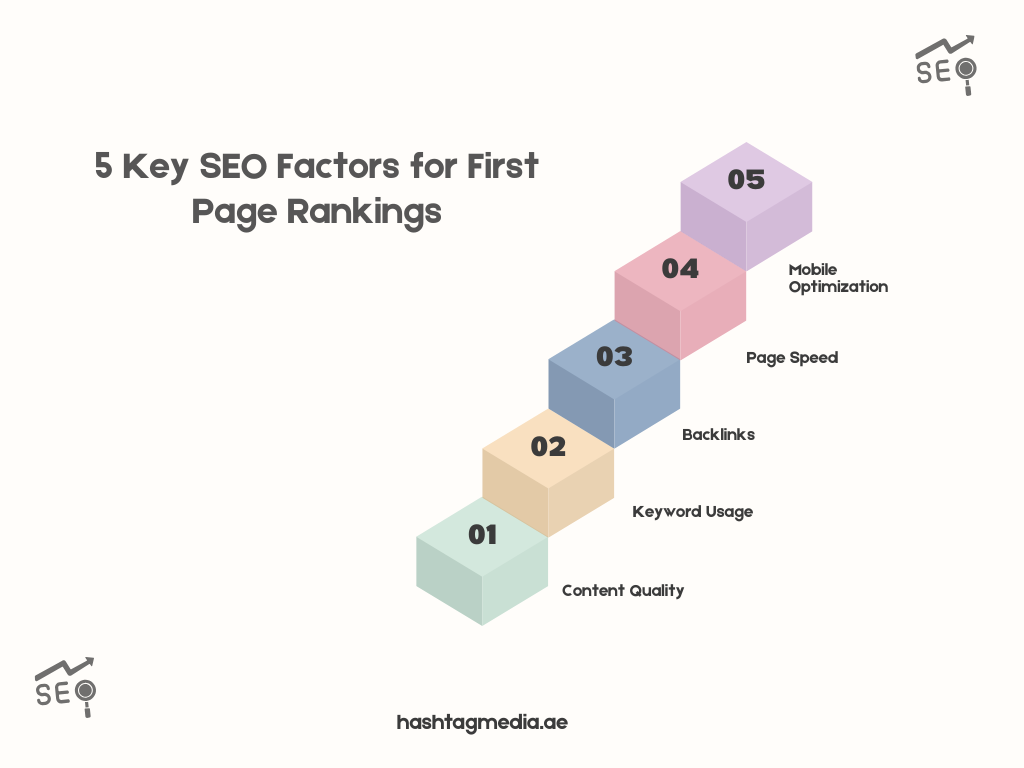
To get ranked on Google’s first page, you need to understand Google’s ranking factors. These are the elements that search engines look for when determining how to rank websites.
Here’s a quick list of the major ranking factors:
a) Content Quality
Your content needs to be valuable, engaging, and answer the user’s query.
b) Backlinks
Sites linking to you are like votes of confidence for your content.
c) Mobile Optimization
With mobile-first indexing, Google gives priority to mobile-friendly websites.
d) Page Speed
Core Web Vitals matter a lot. If your page loads slowly, you’re likely to lose ranking.
How to Optimize SEO for Google’s First Page Ranking
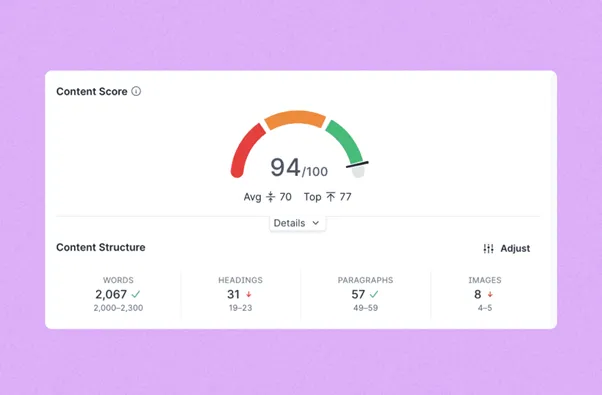
Credit: resultfirst.com
So, you’ve got the basics down. But how do you actually optimize your site for Google’s first page? Here are the steps we recommend:
◻ Optimize for Mobile
More than 50% of searches come from mobile devices. So, if your site isn’t optimized for mobile, you’re missing out. Mobile-first indexing means Google ranks mobile versions of your site first. Make sure your website is mobile-optimized and responsive to all screen sizes.
◻ Improve Page Speed
Speed matters. Google’s Core Web Vitals measure things like loading time, interactivity, and visual stability. To get ranked higher, your page speed must be top-notch. You can also check out our website speed optimization services for help!
◻ Keyword Research
To rank a blog post on Google or your website on the first page, you need to target the right keywords. I use tools like SEMrush to discover high-volume keywords that align with my audience’s search intent. Check out our step-by-step guide on how to do effective SEO audit.
◻ Technical SEO
From structured data to Google Search Console integration, ensure that your website is technically optimized. Fix crawl errors, ensure clean URLs, and optimize for mobile devices.
How to Do Keyword Research for SEO?
Effective keyword research is the foundation of ranking by SEO. It helps you understand what your audience is searching for and guides your content creation.
Why is Keyword Research Important?
- Target the Right Audience: Understanding what users are searching for helps you tailor your content to their needs.
- Improves Rankings: By targeting the right keywords, you improve your chances of ranking higher in Google search results.
The Guide to Keyword Research with SEMrush
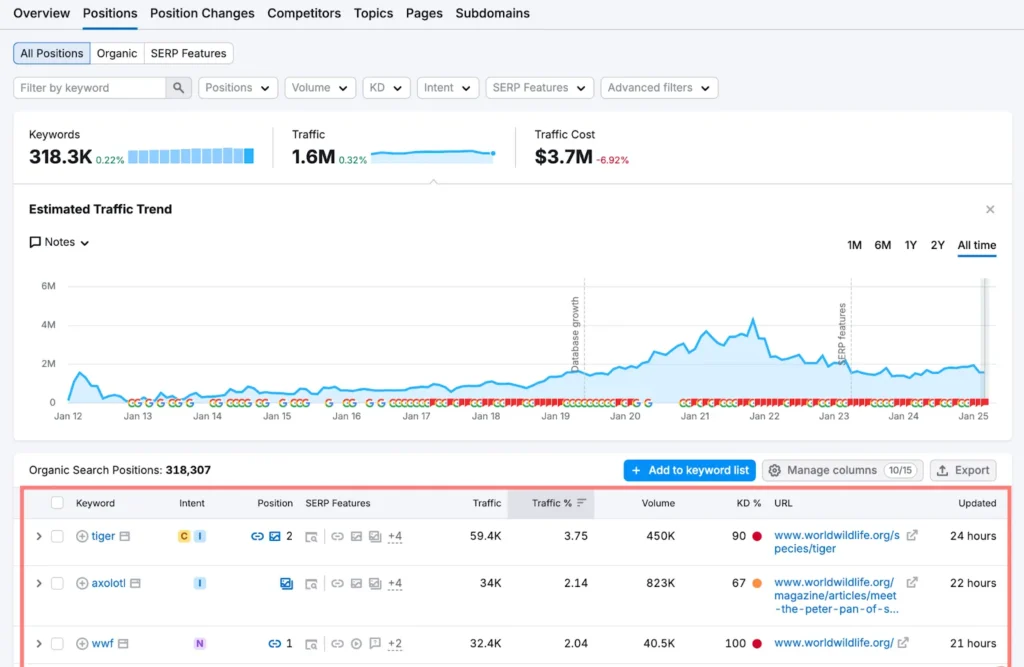
Credit: semrush.com
Here’s a simple, effective way to find the best keywords for your website using SEMrush.
Step 1. Enter Your Topic
Start with a broad keyword related to your business.
Step 2. Analyze Competitors
Look at the keywords your competitors are ranking for.
Step 3. Pick the Right Keywords
Choose a mix of short-tail and long-tail keywords based on volume and difficulty.
Step 4. Optimize Your Content
Sprinkle your chosen keywords naturally throughout your content, especially in headings, body text, and meta descriptions.
Advanced Tips to Put Keywords in Content
Once you’ve chosen your keywords, it’s time to use them effectively:
- Use your main keyword in the title and meta description.
- Distribute keywords evenly throughout your content, but don’t overstuff.
- Use related keywords and LSI (Latent Semantic Indexing) keywords to improve relevancy.
The Most Important 4 Technical SEO Strategies

Credit: digitalmarketinginstitute.com
Technical SEO is the backbone of a well-optimized site. Here are the four technical strategies I swear by:
- i. Mobile Optimization: Ensure your website is mobile responsive.
- ii. Page Speed: Optimize your images, minify CSS/JS files, and use caching.
- iii. Structured Data: Use schema markup to help search engines understand your content.
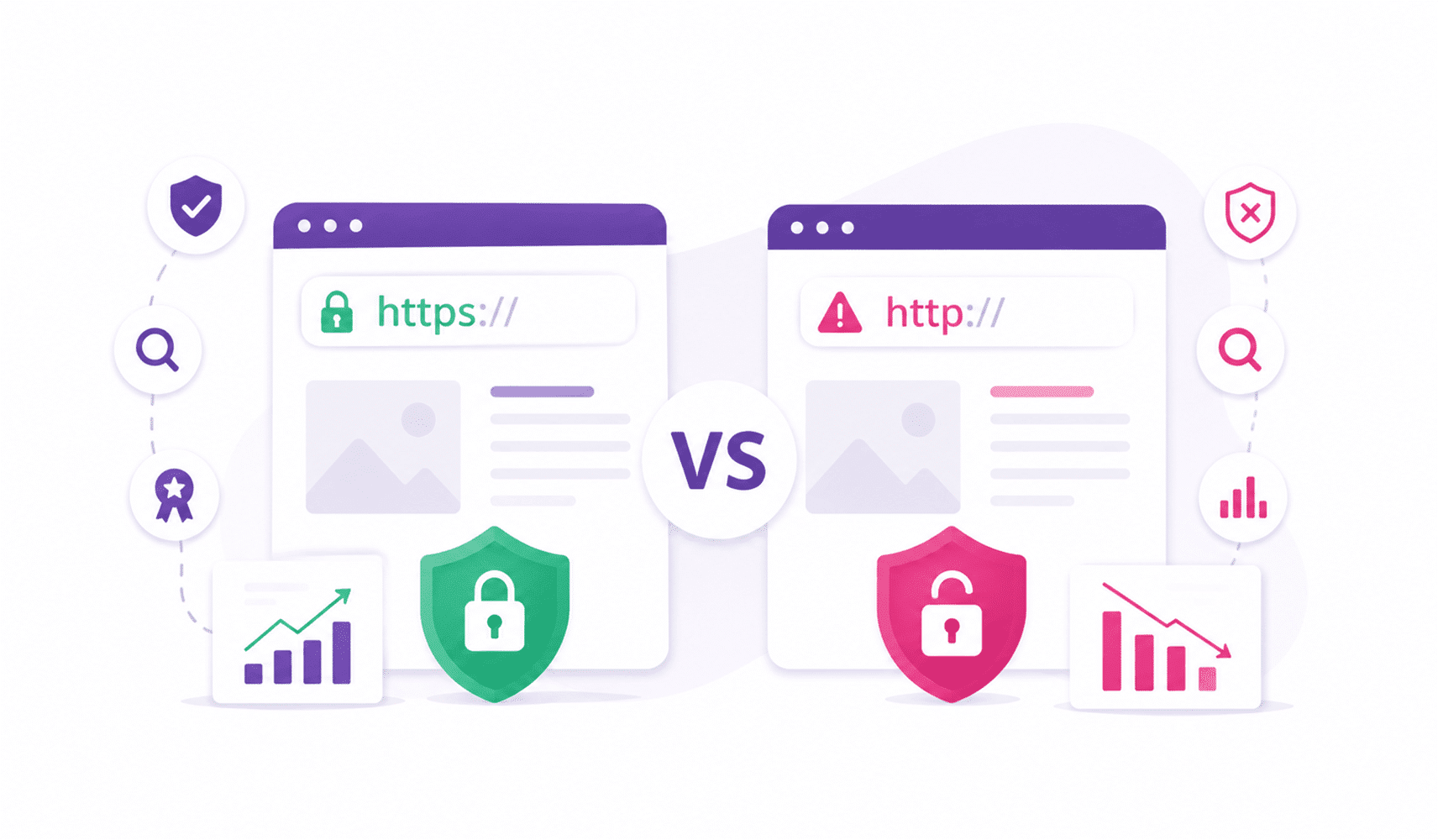
- iv. Secure Your Site: Implement HTTPS to improve both security and SEO.
Why Schema Markup is Important for SEO?
Schema markup helps search engines understand your content better. By adding structured data to your website, you’re telling Google exactly what your content is about—whether it’s a blog, product, review, or event. This increases the likelihood of rich snippets and higher rankings.
What is Google Search Console and Why Do You Need It?
Google Search Console is a free tool from Google that allows you to monitor your website’s performance in search results. It provides vital insights into:
- Search Queries: See what keywords are driving traffic.
- Click-Through Rate (CTR): Know how many people clicked on your website from the search results.
- Crawl Errors: Fix any issues Googlebot has when crawling your site.
Importance of Google Search Console
Using Google Search Console helps you stay ahead of any manual actions Google might take against your site and improves your SEO rankings by fixing errors and optimizing performance.
Top 6 Most Useful On-Page SEO Strategies

Credit: ruffalonl.com
Here’s a look at the strategies that will help you optimize your content and improve your rankings on Google:
- Optimize Title Tags & Meta Descriptions: Make sure they’re clear and keyword-optimized.
- Use Headings (H1, H2, H3): Helps structure your content for both readers and search engines.
- Internal Linking: Link to relevant pages and posts within your site.
- Alt Text for Images: Don’t forget to describe your images for SEO and accessibility.
- Content Optimization: Ensure your content is relevant, fresh, and engaging.
- Use URLs Wisely: Keep them short, descriptive, and keyword-focused.
Build Quality Backlinks
Getting backlinks from reputable websites is crucial. Link building is one of the most effective ways to improve SEO ranking. You can:
- Write guest posts.
- Participate in forums and communities.
- Build relationships with influencers in your niche.
Create Relevant and Shareable Content
The key to ranking by SEO is producing content that your audience finds valuable. When your content is relevant, informative, and shareable, people will naturally link to it, boosting your rankings.
Participate in Communities and Forums
Engage with your audience on forums like Reddit, Quora, or Facebook Groups. Answer questions, provide value, and link back to your content when relevant.
Step-by-Step Guide to Optimize Your Google My Business Profile

Credit: greenhouseuvu.com
Here are the key steps to make sure your Google My Business profile is fully optimized:
a. Claim Your Business: Ensure your business is listed correctly.
b. Update Your Info: Include accurate address, hours, and contact information.
c. Add Photos and Posts: Keep your profile active with fresh content.
d. Encourage Reviews: Positive reviews can boost your local SEO rankings.
By following these simple steps, you’ll be able to make the most out of your Google My Business profile and improve your local search visibility!
How Google Analytics Can Help You Most
Google Analytics is a powerful tool to track your website’s performance. It helps you understand:
- User Behavior: Know how visitors interact with your site.
- Traffic Sources: See where your traffic is coming from.
- Conversion Rates: Track how well your site is achieving its goals.
Ending Remarks
Summing up, ranking by SEO isn’t a one-time task; it’s a journey that requires patience, persistence, and the right approach. But with the proper SEO strategies in place, you’ll be well on your way to reaching Google’s first page, where the traffic, visibility, and opportunities await. So, roll up your sleeves, start optimizing, and watch your website rise to the top!
FAQ’s
Here’s what you need to know about ranking by SEO.
Do landing pages rank on Google?
Yes, if optimized well, landing pages can rank on Google, especially for targeted keywords.
How do I rank my website on the first page of Google?
Focus on on-page and technical SEO, improve your content quality, and build quality backlinks.
What are core web vitals?
Core web vitals measure your page’s loading speed, interactivity, and visual stability.
How do I optimize my site for mobile?
Use responsive design, improve loading speed, and ensure your content is readable on smaller screens.
What is schema markup and why is it important?
Schema markup helps search engines understand your content better, which can improve your visibility in search results.