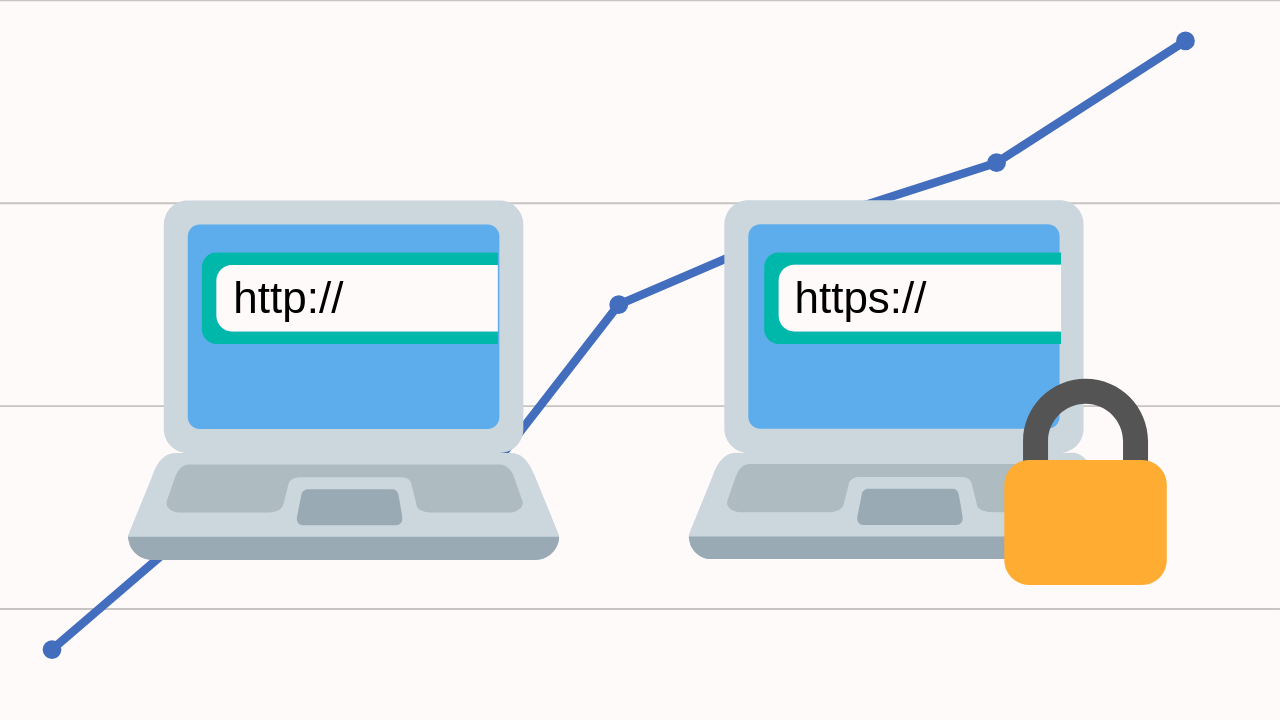
When it comes to optimizing your website and boosting your online success, one of the key decisions you’ll face is choosing between HTTPS vs HTTP for SEO. If your site is still on HTTP, you might be wondering if the switch to HTTPS is really necessary. After all, many sites have used HTTP for years — so why change?
Here’s the truth: switching to HTTPS isn’t optional anymore — it’s crucial for both security and SEO. In this blog, I’ll break down everything you need to know about HTTP vs HTTPS for SEO, including the key differences, how they affect your search rankings, and why moving to HTTPS is vital for your site’s security and trustworthiness. Whether you run a small business, e-commerce site, or blog, understanding HTTPS is essential for your success. Let’s dive in and see why HTTPS is the way forward!
What is HTTP vs HTTPS? A Quick Overview
Before we dive into how HTTPS impacts SEO, let’s first break down what HTTP and HTTPS actually are.
-
HTTP (Hypertext Transfer Protocol) is the traditional protocol used to transfer data between a user’s web browser and your server. However, the main problem with HTTP is that it transmits data without encryption, meaning any information exchanged between the server and the user could potentially be intercepted by hackers.
-
HTTPS (Hypertext Transfer Protocol Secure), as the name suggests, is the secure version of HTTP. It uses SSL/TLS (Secure Sockets Layer / Transport Layer Security) to encrypt the data transferred between the server and the user’s browser. The “S” in HTTPS stands for “secure,” and it ensures that sensitive data, like passwords, credit card details, and personal information, is encrypted and protected.
Why Does HTTPS Matter for SEO?

Credit: hunterdigitalmarketing.com
You may be asking yourself, “What does HTTPS have to do with SEO?” Well, quite a lot actually. Over the years, Google and other search engines have put a significant emphasis on user experience and security. HTTPS is now considered a ranking signal in Google’s algorithm. This means that HTTPS websites can benefit from better search engine rankings compared to HTTP websites. Here’s why:
A. Google’s Ranking Factor
In 2014, Google officially confirmed that HTTPS is a ranking factor. Since then, websites that use HTTPS have been given a slight edge over those that still rely on HTTP. While it’s not the only ranking factor, HTTPS is important enough that Google may rank your site lower if it’s not secure, especially if competitors have already switched to HTTPS.
- Ranking Boost: If you make the switch to HTTPS, your site may receive a small SEO boost, helping you climb the rankings.
- Competitive Advantage: Since HTTPS is still not universally implemented across all websites, it can give you an advantage over non-secure websites in competitive industries.
B. User Trust and Security
Today, users are more concerned about their privacy than ever before. Browsers like Google Chrome and Firefox prominently label non-HTTPS websites as “Not Secure.” This label can turn away potential visitors, making them hesitant to browse your site, let alone make purchases or share personal information. On the flip side, HTTPS websites show a padlock icon in the address bar, signaling to users that their connection is secure.
- Increased Trust: Websites with HTTPS are viewed as more trustworthy, especially for sites where users enter sensitive information.
- Reduced Bounce Rates: Users are more likely to stick around on a secure site, reducing bounce rates and improving user engagement metrics, which Google looks at for ranking.
C. Data Integrity
HTTPS ensures that the data transferred between your website and users is encrypted and cannot be tampered with. Without HTTPS, the data could be altered by third parties, leading to a potential loss of integrity and trustworthiness.
- Prevention of Data Manipulation: This is especially crucial for e-commerce sites where transactions must be protected.
- Reduced Risk of Hacking: Without encryption, data sent through HTTP is vulnerable to interception and manipulation by malicious third parties.
D. Google Chrome’s Push for HTTPS
In 2018, Google made it clear that Chrome would label all HTTP websites as “Not Secure.” This move has led to a major shift towards HTTPS adoption, and the pressure is on for website owners to make the switch. If you don’t want your visitors to see that “Not Secure” warning, it’s time to go HTTPS.
- SEO Implications: Google is making it clear that HTTPS is no longer optional. If you want to maintain your website’s credibility and ranking, switching is necessary.
- User Experience: Visitors won’t have to see any scary warnings that make them question the safety of your site.
How to Switch from HTTP to HTTPS?

Credit: cyberssl.com
So, now that you understand the HTTPS vs HTTPS for SEO debate, how do you actually make the switch? Here’s a step-by-step guide to ensure you make the transition smoothly:
- Purchase an SSL Certificate: First, you’ll need to purchase an SSL certificate. You can get one for free through services like Let’s Encrypt or buy one through your hosting provider.
- Install the SSL Certificate: Once you have the SSL certificate, you’ll need to install it on your web server. Most hosting providers offer an easy process to install SSL on your website.
- Update Website Links: After installing SSL, make sure all internal links and images on your site point to HTTPS URLs. This includes updating the links in your navigation, footer, and any other internal pages.
- Set Up 301 Redirects: You’ll need to set up 301 redirects to automatically send visitors from the HTTP version of your website to the HTTPS version. This ensures no traffic is lost and prevents any SEO penalties for duplicate content.
- Update Google Search Console: Don’t forget to update your Google Search Console account to reflect the change from HTTP to HTTPS. This will help Google crawl and index your site correctly.
Non-HTTPS Websites: Why You Should Avoid Them
If your website is still running on HTTP, you’re missing out on the many benefits that come with HTTPS. Here are some risks of not switching:
- SEO Penalties: As Google continues to push for HTTPS, your site might be penalized in search rankings if it’s not secure.
- Loss of Trust: Users are likely to avoid sites that show the “Not Secure” warning, which can harm your site’s reputation.
- Increased Vulnerability: Without the encryption that HTTPS provides, your website is more susceptible to data breaches and hacking attempts.
Final Word
When it comes to HTTPS vs HTTP for SEO, HTTPS is clearly the winner. Google prioritizes secure websites, and users prefer them too. Whether you’re running a WordPress website, an e-commerce site, or just a personal blog, HTTPS is a must. Not only does it help improve your search engine rankings, but it also enhances your website’s security, builds trust with visitors, and provides a better overall user experience.
FAQ’s
Here’s a quick look at some of the most frequently asked questions about HTTPS vs HTTP for SEO!
What is the difference between HTTP and HTTPS?
HTTP is an unsecured protocol, while HTTPS uses encryption to protect data, ensuring a secure connection between your website and visitors.
How does HTTPS improve SEO?
Google favors secure websites and ranks them higher. Switching to HTTPS can give your website a ranking boost.
How do I make my website HTTPS?
You need to get an SSL certificate, install it on your server, update links to HTTPS, and set up 301 redirects.
Is HTTPS necessary for WordPress websites?
Absolutely! WordPress sites should use HTTPS to improve security, SEO, and user trust. Many plugins support HTTPS as well.
Is HTTPS safe?
Yes, HTTPS is much safer than HTTP. It encrypts the data exchanged between your site and visitors, reducing the risk of data breaches and hacks.
Take Action Now: Switch to HTTPS for Better SEO
At Hashtag Media, we specialize in both SEO services and PPC services to help boost your online presence. If you’re ready to make the switch to HTTPS and enhance your site’s SEO, we’re here to guide you every step of the way. Check out our expert SEO services and PPC services to get started!