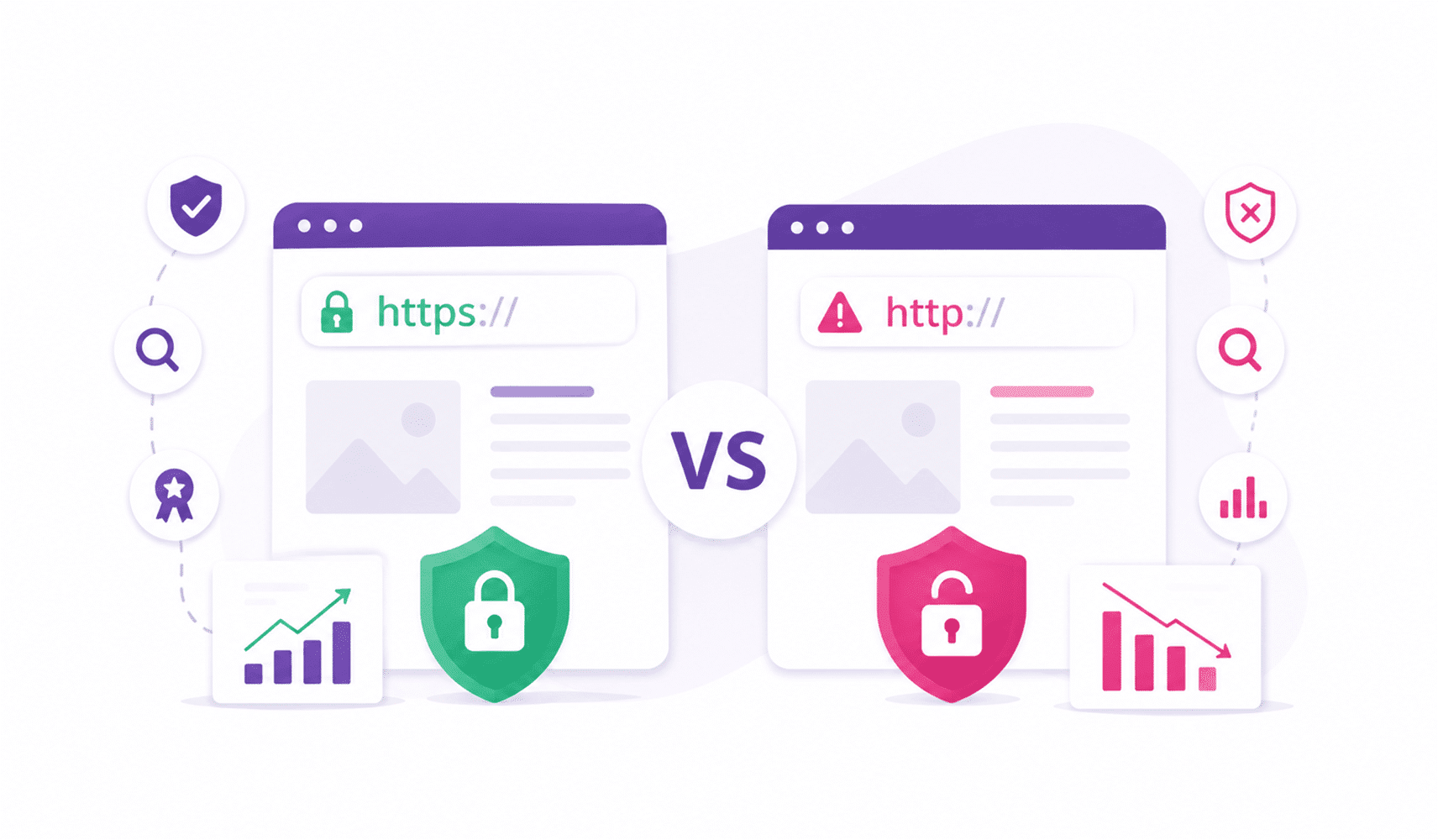
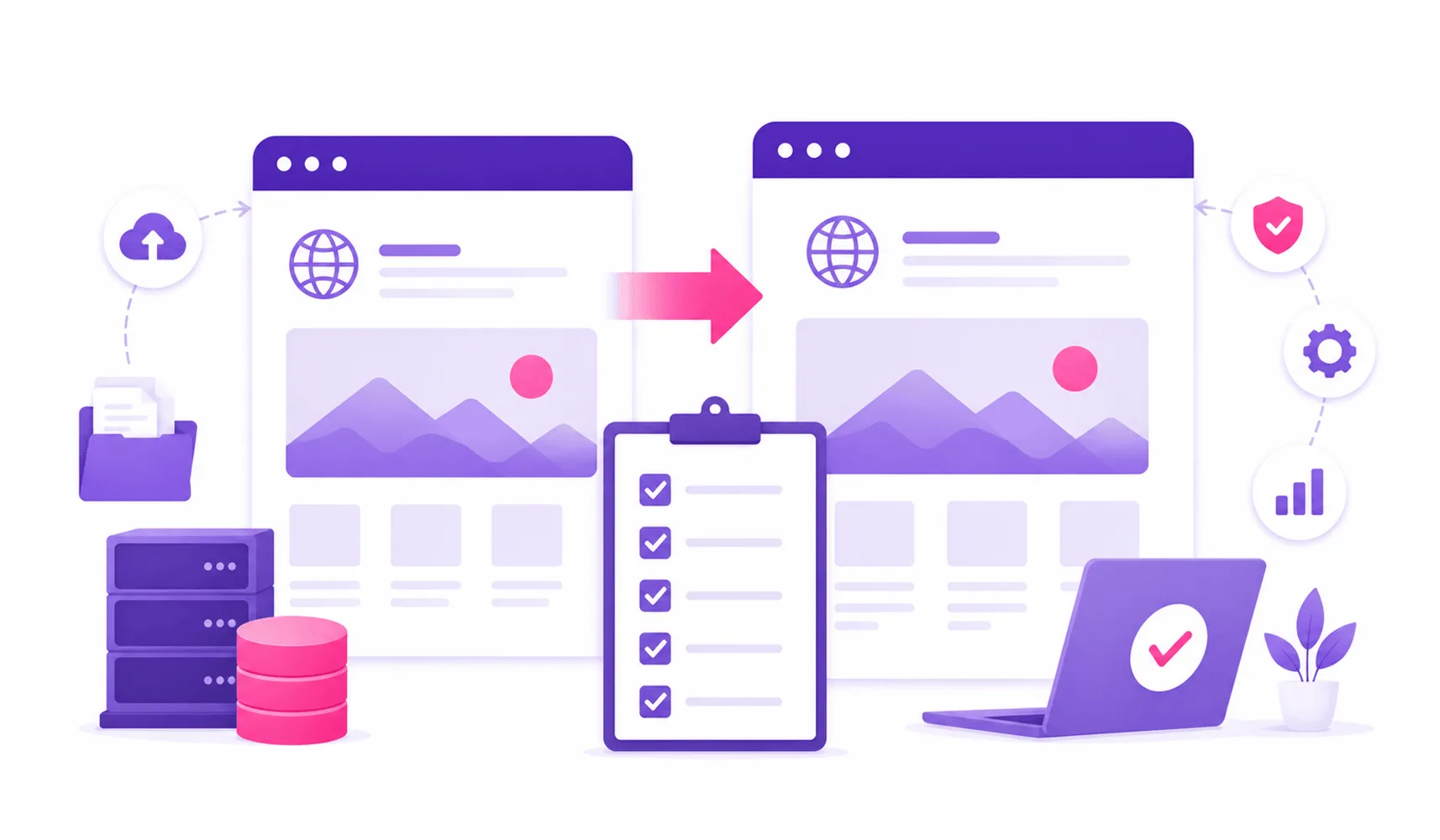
Planning to move your website but worried about losing rankings, traffic, or customers? A website migration is like moving your business to a new location. It is exciting, but even a small mistake can affect your visitors, SEO performance, and conversions. So, what is website migration? It is the process of moving a website to a new domain, platform, hosting provider, structure, or technology. A smooth migration requires proper planning, testing, and a clear strategy. In this guide, I’ll walk you through the ultimate checklist for website migration to help you move your website safely while protecting your rankings and user experience.
Why Do You Need a Website Migration Plan?
A website migration can bring major improvements. You may want a faster website, a modern design, better security, or improved functionality.
For example, upgrading your website through professional website development services can help you create a stronger digital experience for your customers.
However, without proper planning, migration can create problems like:
- Lost rankings
- Broken pages
- Traffic drops
- Missing content
- Poor user experience
- Tracking issues
That is why website migration planning matters. A detailed website content migration plan helps you organize every step before making changes.
The Ultimate Checklist for Website Migration
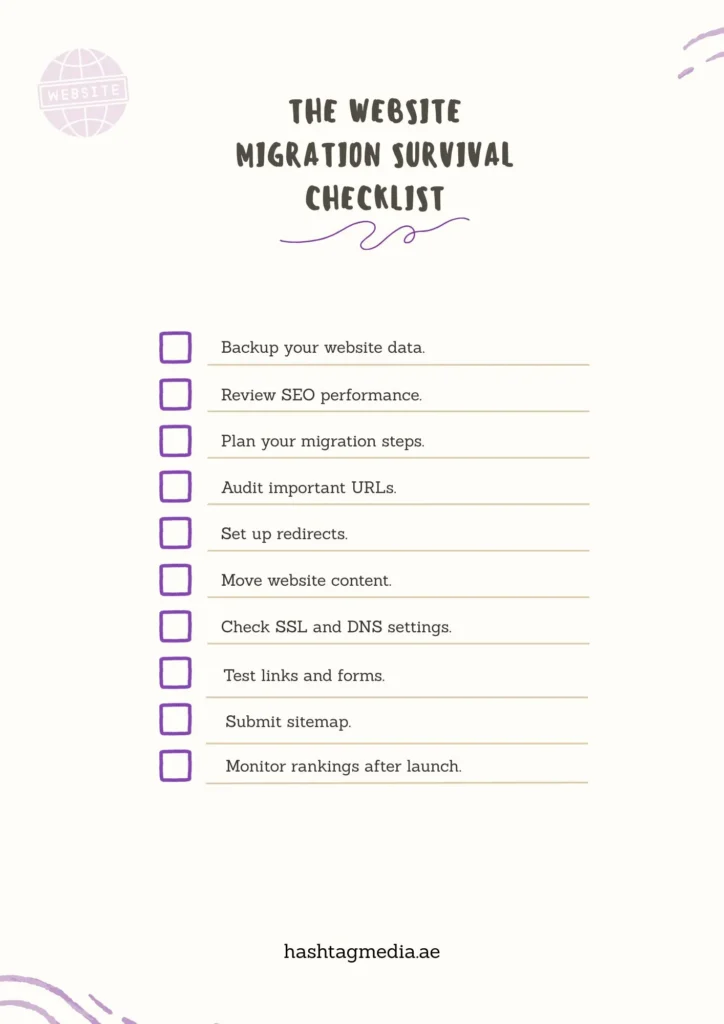
Here is the complete checklist for website migration you need before, during, and after the move.
A) Before Migration: Build Your Foundation
The preparation stage decides the success of your migration. Before making any changes, create a detailed project plan for website migration.
Create a Complete Backup Strategy
Before moving anything, protect your website data.
Your backup strategy should include:
- Website files
- Database records
- Images and media files
- Important documents
- Customer data
A complete backup gives you a safety net if anything goes wrong during migration.
Analyze Your Current Website Performance
Before migration, understand where your website stands.
Check:
- Current traffic levels
- Top-performing pages
- Keyword rankings
- Conversion rates
- Existing backlinks
This ranking analysis helps you compare your website before and after migration.
Prepare Your SEO Website Migration Checklist
SEO should be a priority during every migration.
Your SEO website migration checklist should include:
- Current keyword positions
- Important landing pages
- Metadata records
- Internal links
- Backlink information
- Organic traffic reports
Ignoring SEO during migration can result in losing valuable visibility.
Review Your Website Structure
Your site structure affects both users and search engines.
Before migration, review:
- Page URLs
- Navigation menus
- Categories
- Internal linking
- Content hierarchy
A clean structure helps search engines understand your website better.
B) During Migration: Move Everything Carefully

Credit: winwithoptimal.com
The migration stage requires accuracy. Every file, page, and setting matters.
Plan Your Content Migration
Content is one of the most valuable parts of your website.
During content migration, make sure you transfer:
- Blog posts
- Landing pages
- Images
- Videos
- Product information
- Metadata
A proper website content migration plan prevents missing information and protects your website value.
Create a Redirect Strategy
Redirects guide users and search engines to your new pages.
A strong redirect strategy helps prevent:
- Broken links
- Lost rankings
- Crawl errors
- Poor user experience
Make sure every old URL has a relevant new destination.
Avoid sending all pages to your homepage because this can create confusion for visitors and search engines.
Check Canonical Tags and Duplicate Content
Canonical tags tell search engines which version of a page should be indexed.
During migration, review:
- Canonical tags
- Duplicate content issues
- Page indexing settings
Incorrect canonical settings can create SEO problems after migration.
Update Robots.txt and Sitemap Submission
Your robots.txt file controls how search engines crawl your website.
After migration, check:
- Robots.txt rules
- Sitemap accuracy
- Sitemap submission status
A correct sitemap submission helps search engines discover your new pages faster.
Manage Domain Transfer and DNS Settings
If you are changing domains or hosting providers, carefully manage:
- Domain transfer process
- DNS settings
- Hosting configuration
- SSL certificate setup
A wrong DNS update can make your website unavailable.
Also, always confirm that your SSL certificate works correctly. Website security builds trust with both users and search engines.
C) After Migration: Test Everything
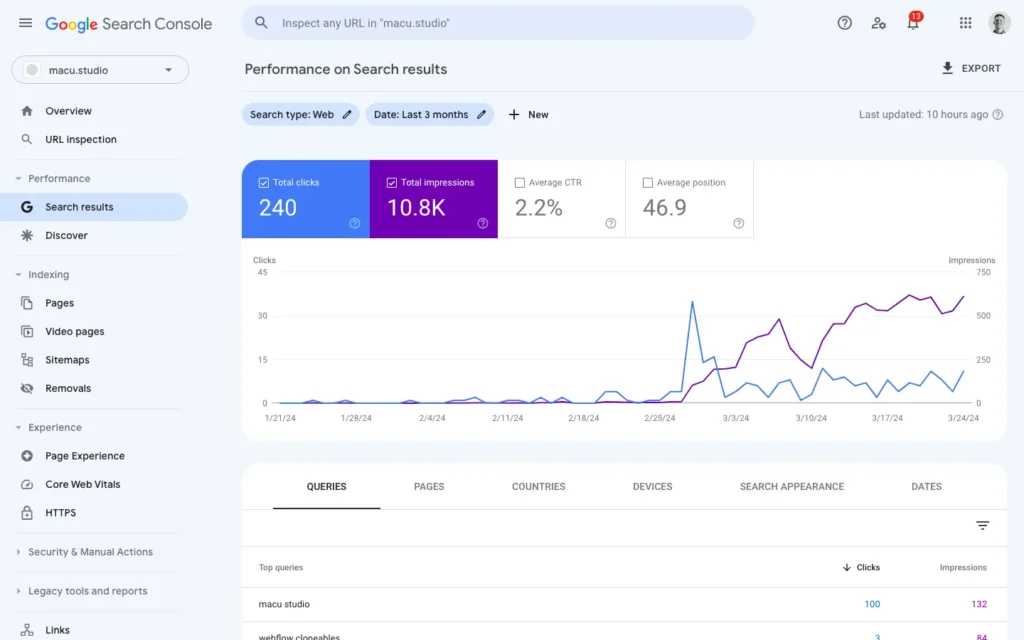
Credit: macu.studio
Your migration is not complete after the website goes live. Testing is the most important final step.
A detailed website migration test plan helps you identify problems quickly.
Check Website Functionality
Test important website elements, including:
- Contact forms
- Checkout processes
- Login pages
- Search features
- Buttons
- Navigation menus
Every interaction should work smoothly.
Find and Fix Broken Links
Broken links create frustration for visitors. Use website migration tools to scan your website and identify:
- Missing pages
- Incorrect URLs
- Broken internal links
Fixing these issues improves user experience and SEO performance.
Check Browser Compatibility
Your website should work properly across different browsers and devices.
Test your website on:
- Chrome
- Safari
- Firefox
- Edge
- Mobile browsers
A responsive website creates a better experience for every visitor. You can also explore the key advantages of a responsive website to understand why mobile-friendly design matters.
Review Conversion Tracking
Do not forget your analytics setup.
Check:
- Google Analytics tracking
- Conversion tracking
- Event tracking
- Goal measurements
Without proper tracking, you may lose important business insights.
Monitor Crawl Errors and Rankings
After migration, keep monitoring your website performance.
Watch for:
- Crawl errors
- Traffic changes
- Ranking drops
- Indexing problems
Small issues are easier to fix when discovered early.
Website Migration Tools That Make the Process Easier
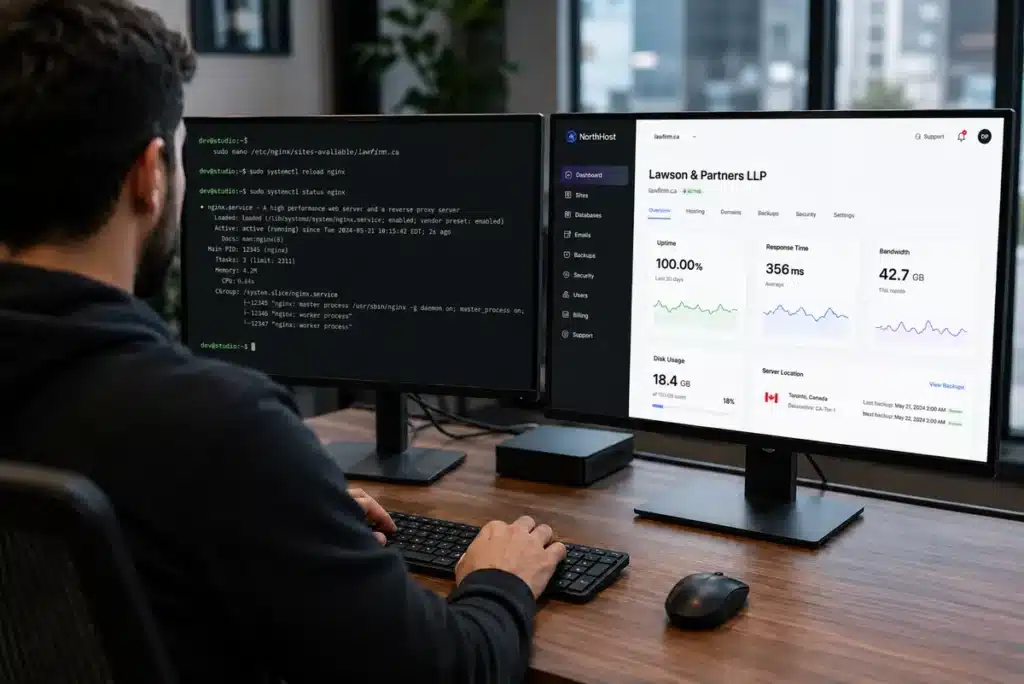
Credit: lawonline.ca
The right website migration tools can simplify your work.
Useful tools can help you:
- Audit URLs
- Check redirects
- Monitor rankings
- Find technical issues
- Analyze website performance
Popular options include SEO crawlers, analytics platforms, and website testing tools.
The right tools combined with proper website migration services can make the entire process faster and safer.
Some Website Migration Mistakes to Avoid
Even experienced teams can make mistakes.
Here are some common problems:
i. Migrating Without a Backup
A missing backup can create major data loss issues.
ii. Forgetting Redirects
Old pages without redirects can damage rankings and create broken links.
iii. Ignoring Mobile Experience
A website that works only on desktops can lose visitors.
iv. Skipping Testing
Launching without testing can lead to hidden technical problems.
How a Website Migration Agency Can Help

Credit: dapth.com
A professional website migration agency understands the technical and SEO challenges involved.
Experts can help with:
- Planning the migration process
- Moving website data safely
- Managing SEO requirements
- Testing website performance
- Fixing technical issues
With experienced website migration services, businesses can reduce risks and enjoy a smoother transition.
Final Word
Okay, so summing up, website migration does not have to be stressful. With the right preparation, testing, and strategy, you can move your website without damaging your SEO or customer experience.
The key is simple: plan early, protect your data, test everything, and follow a detailed checklist for website migration. Whether you are changing your platform, redesigning your website, or moving to a new domain, a structured approach will help you achieve a successful migration.
FAQ’s
Let us answer some of your queries.
What is website migration?
Website migration is the process of moving a website to a new platform, domain, hosting environment, or structure while maintaining its performance and SEO value.
How long does website migration take?
The timeline depends on website size, complexity, content volume, and technical requirements. Small websites may take days, while larger websites can take weeks.
Can website migration affect SEO rankings?
Yes. Poor planning can cause ranking drops. Following a proper SEO website migration checklist helps protect your visibility.
What should I check after website migration?
You should check redirects, crawl errors, tracking, website speed, mobile performance, browser compatibility, and indexing.
Do I need professional website migration services?
For complex websites, professional support can reduce risks and help ensure a smooth migration process.