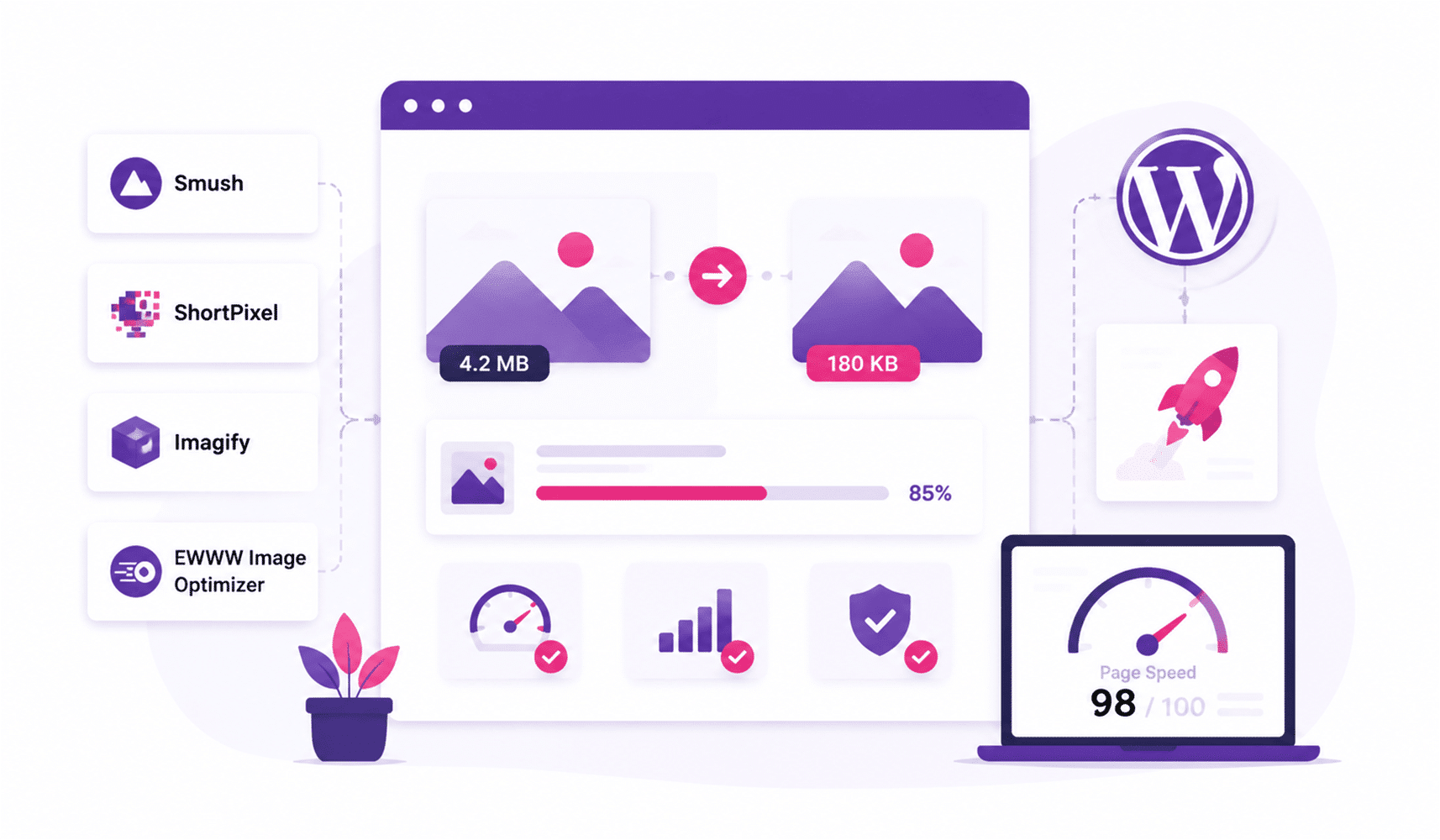
Have you ever noticed that some websites load very slowly and get stuck? It’s frustrating, right? High-resolution images are the culprit. I get that images are visually appealing, but adding more can simply make your website load slower than usual, a pure setback for your business, and you cannot afford that, right? This is where image optimization plugins can help you. As a writer, I optimize images all the time, and I can totally understand why the best image optimizer for WordPress is important for your website.
Why Image Optimization Matters for WordPress
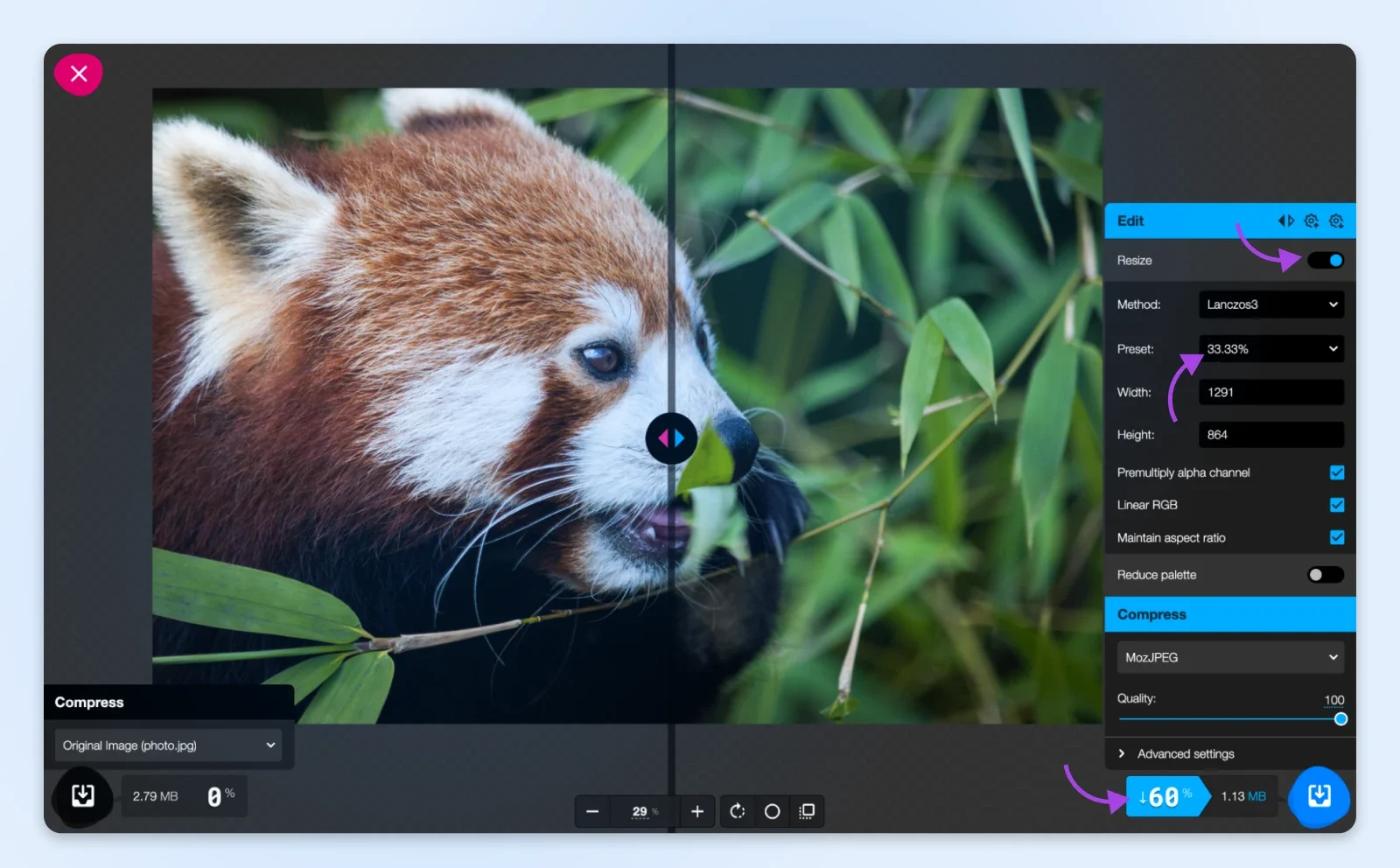
Credit: dreamhost.com
Before we get into the tools, let’s quickly touch on why image optimization is so important.
Faster Website = Better User Experience
Users today are impatient. If your site takes longer than a few seconds to load, chances are they’re already bouncing to another site. In fact, 40% of visitors leave a website if it takes more than 3 seconds to load. Optimizing product images is one of the easiest and most effective ways to improve your site’s speed.
Improved SEO Ranking
Google loves fast websites. Page speed is a ranking factor, so if your images aren’t optimized, you could be missing out on higher rankings. By improving your website’s speed, you’re also improving your chances of ranking higher in search results, especially if you optimize for Google PageSpeed.
Reduced Bandwidth Usage
Optimized images consume less bandwidth, making your site faster and reducing server load. If you have a lot of visitors, this can also help cut costs, especially if you’re on a hosting plan with bandwidth limitations.
In short, image compression is not just about saving space. It’s about improving performance and making sure your website is user-friendly.
Image optimization is just one piece of the puzzle. If you’re serious about improving your website’s speed and performance, we can help. Our website speed optimization service eliminates everything that slows down your site, ensuring a faster, more user-friendly experience for your visitors.
The Best Image Optimizers for WordPress
Now, let’s look at the best image optimizers for WordPress. These tools will help you optimize your images without compromising on quality.
Smush Image Compression and Optimization
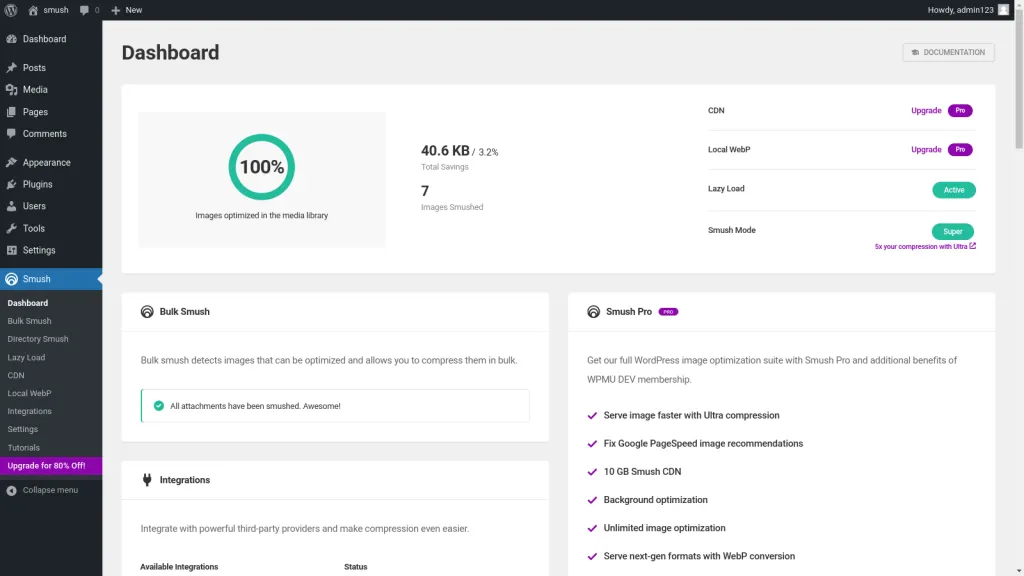
Credit: patchstack.com
Let’s start with Smush, one of the most popular image optimization plugins for WordPress. Smush compresses and optimizes images as you upload them, saving you time and hassle. It also supports bulk smushing, which means you can optimize all your images in one go.
Key Features
- Lossless compression (no quality loss)
- Bulk image compression
- Lazy loading support for images
- Automatic image resizing
- Free and Pro versions available
Why We Love It: Smush is simple to use, and the free version is feature-rich enough for most sites. If you need more advanced features, you can upgrade to the Pro version.
ShortPixel Image Optimizer
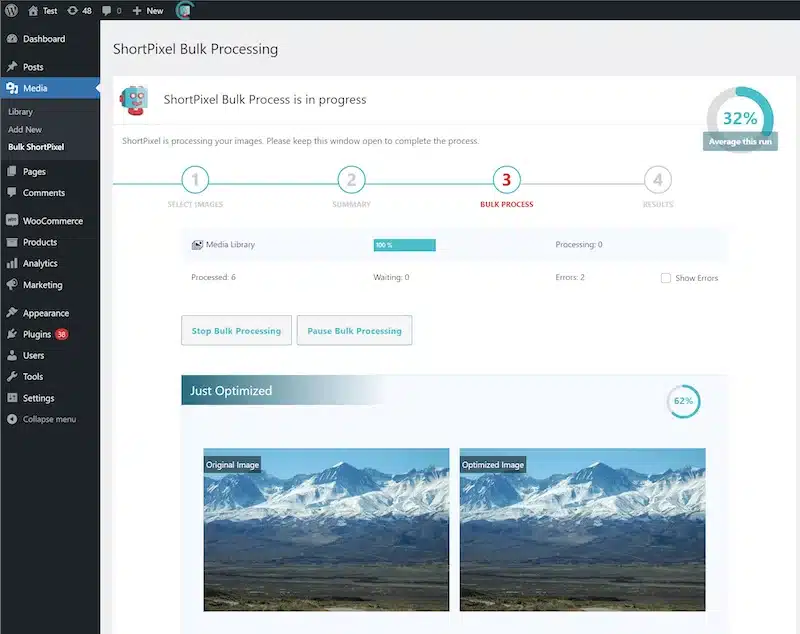
Credit: dealfuel.com
It is a great tool if you’re looking for both image compression and conversion. It supports various formats, including WebP and AVIF, which are known for better compression rates without quality loss. ShortPixel also integrates well with other optimization plugins like WP Rocket.
Key Features
- Lossy and lossless compression
- WebP and AVIF image formats
- PDF and vector file optimization
- API key for developers
Why We Love It: ShortPixel is great for those who need more control over the type of compression, and the ability to convert images to WebP can be a game-changer for performance.
Imagify
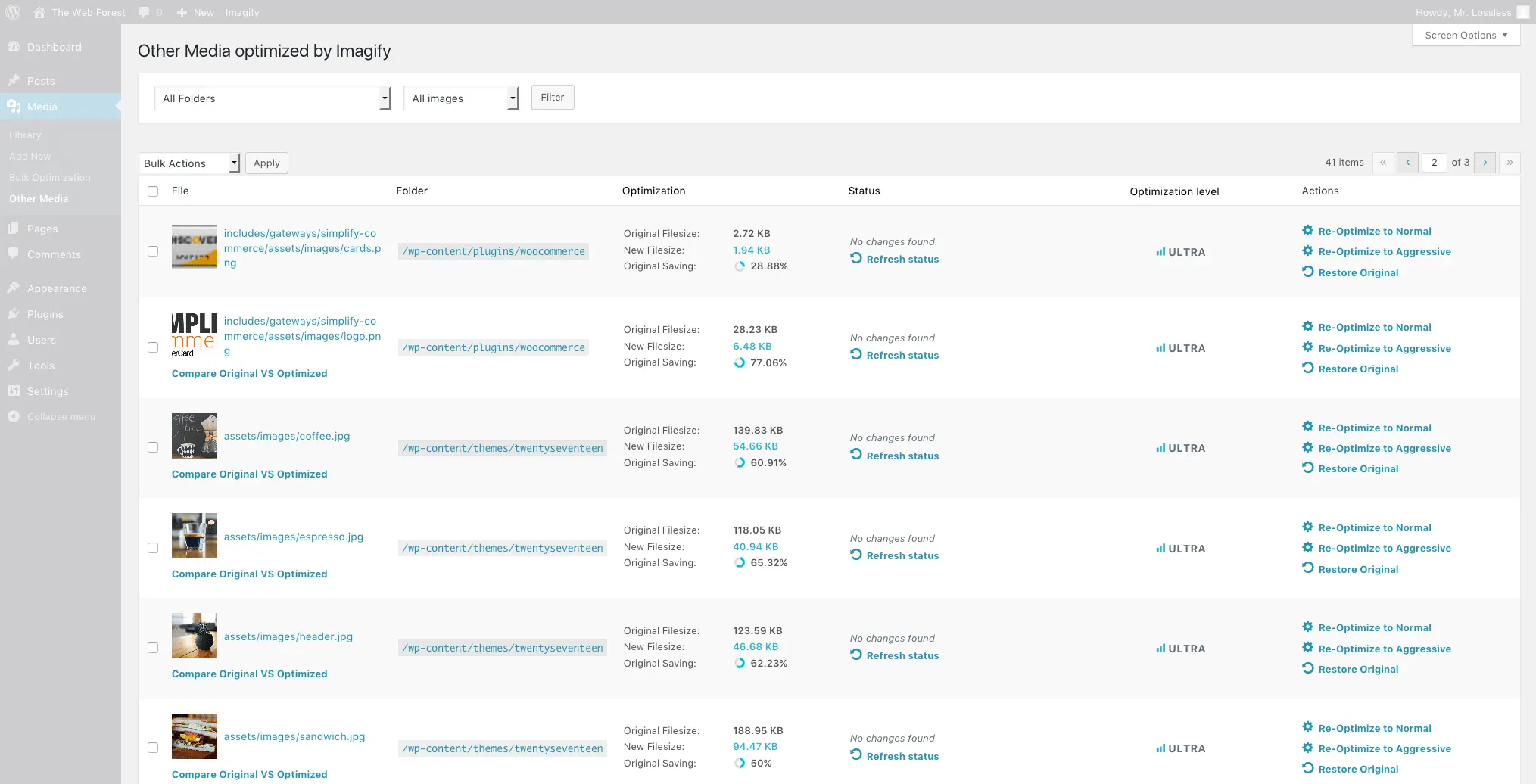
Credit: github.com
I think you might have heard about it. Imagify is another fantastic image optimizer that helps you compress images quickly while maintaining high quality. The plugin offers both lossless and lossy compression options. Plus, it has a “convert to WebP” feature, which can drastically improve load times.
Key Features
- Lossy, lossless, and aggressive compression modes
- Automatic resizing
- WebP conversion
- Bulk optimization
- Free and Pro versions
Why We Love It: Imagify is easy to use and offers a progressive compression option that gives you more control over image quality and file size. It’s perfect for those who want to fine-tune the balance between quality and size.
EWWW Image Optimizer
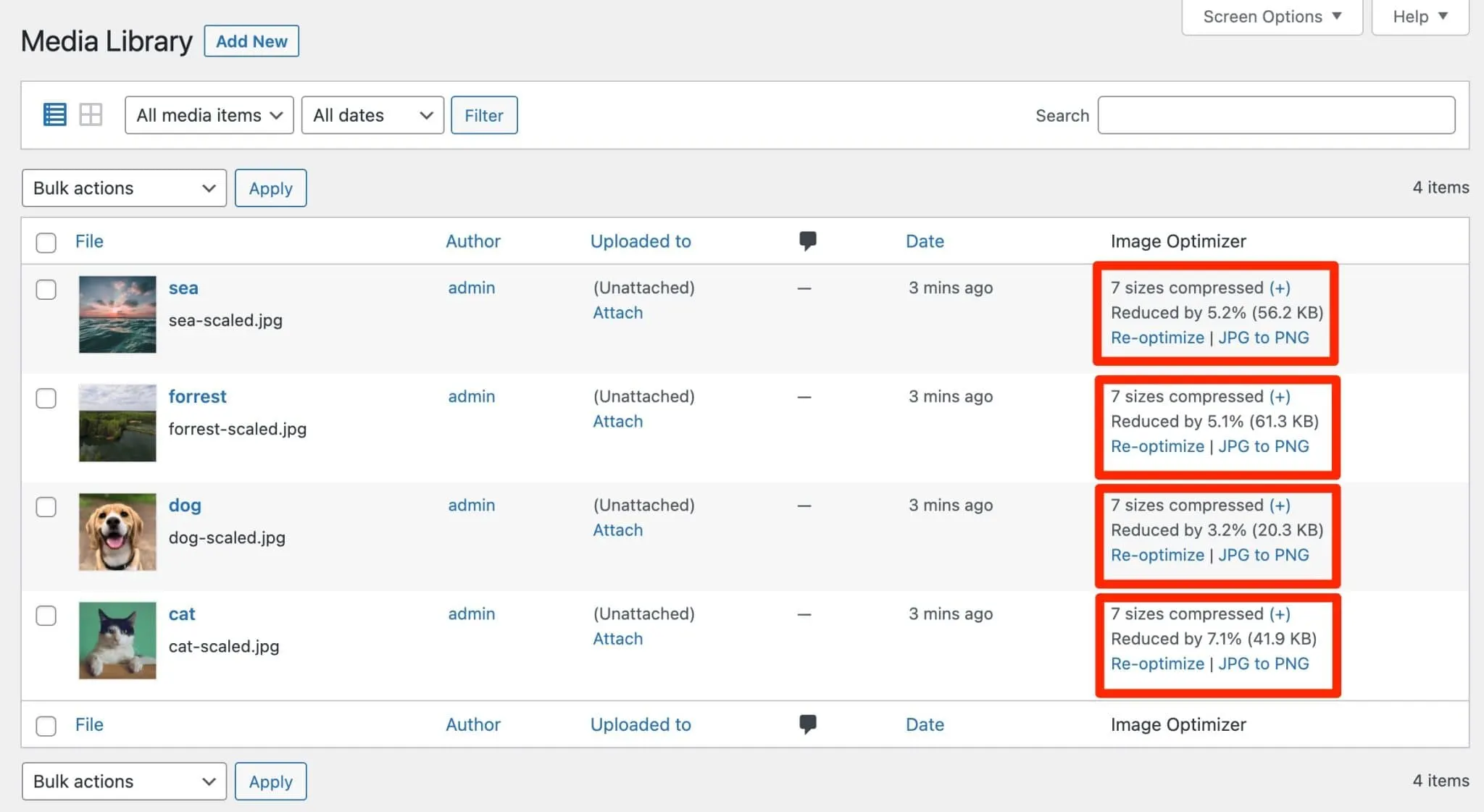
Credit: wpmarmite.com
Next comes EWWW Image Optimizer. It stands out for being an all-in-one image optimization plugin that works automatically. Once installed, it takes care of your image optimization as you upload them and even lets you optimize existing images in your media library.
Key Features
- Lossy and lossless compression
- WebP support
- Bulk image optimization
- Automatic optimization on upload
Why We Love It: EWWW Image Optimizer offers a great free version that’s perfect for users who want to optimize images for Google PageSpeed without paying for a premium plan. The bulk optimization tool is especially useful for large websites.
WP Smush Pro (Paid)
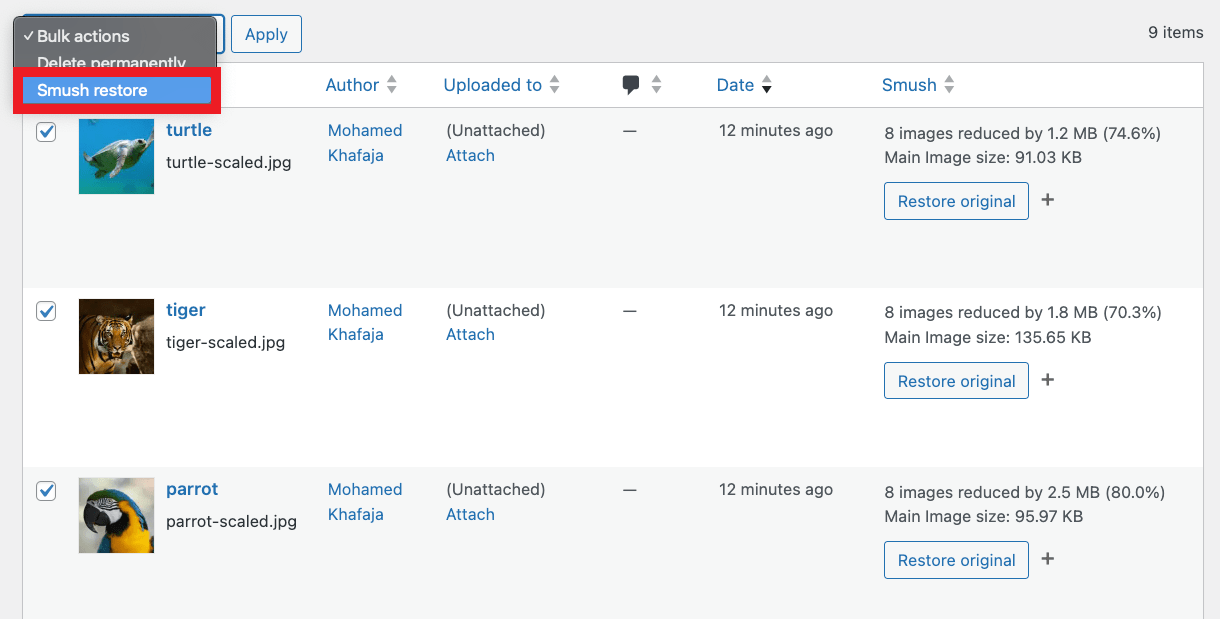
Credit: wpmudev.com
While the free version of Smush is great, WP Smush Pro offers additional premium features that make it one of the top image optimization tools on the market. It’s best for high-traffic websites that require advanced features and functionality.
Key Features
- Advanced lossless compression
- Priority support
- Smush API access for developers
- WebP image conversion
- 100% automatic image resizing
Why We Love It: WP Smush Pro adds powerful features like WebP support and advanced compression settings that make it perfect for larger sites with more demanding image optimization needs.
Lazy Load by WP Rocket
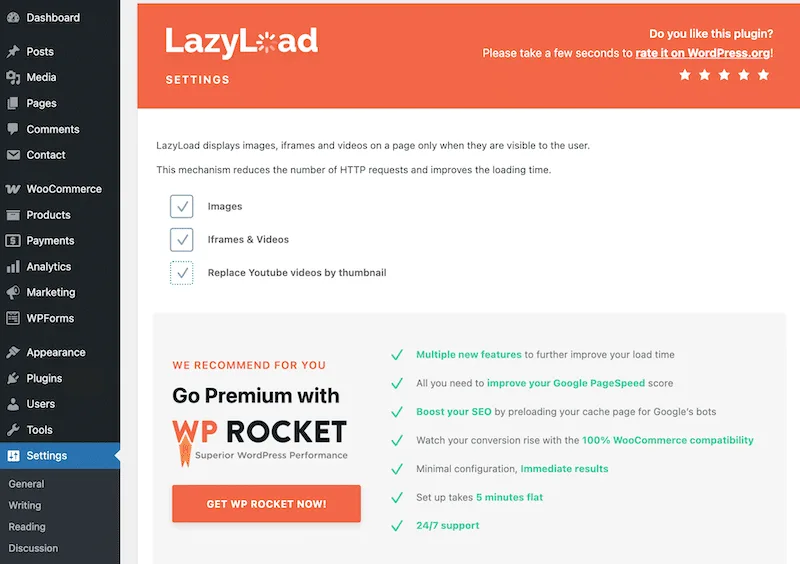
Credit: wp-rocket.me
WP Rocket is not just an image optimization plugin; it also focuses on speed optimization in general. Its lazy load feature allows images to load only when they’re in the viewport, improving your page’s speed.
Key Features
- Lazy loading for images, videos, and iframes
- Easy-to-use interface
- Compatible with other caching plugins
- Integrates with WP Rocket’s performance features
Why We Love It: Lazy loading dramatically improves performance by only loading images when they are visible to the user. It’s a simple and effective way to speed up your site.
Now that we have covered the top image optimizers, why not give you some tips on how to make your website load faster? This blog guide will help you boost your site’s speed.
How to Choose the Right Image Optimizer for You
Choosing the best image optimizer for WordPress depends on your needs. Here are some questions to ask yourself when making a decision:
- How many images do I have? If you have a large website with many images, bulk optimization is key. Look for plugins like Smush or ShortPixel that support batch processing.
- Do I want to control compression levels? If you prefer to control how much compression is applied to your images, tools like Imagify and ShortPixel give you more control.
- Is WebP important to me? WebP images are smaller and load faster. If this is a priority, Imagify and ShortPixel are excellent choices because they offer automatic WebP conversion.
- Do I need lazy loading? If you want to improve performance even further, consider using WP Rocket or any plugin that offers lazy loading. This ensures images load only when needed.
Final Words
So what did we learn? Optimizing images is a must for any WordPress website. It can improve page load speeds, boost SEO, and give your visitors a smoother experience. Fortunately, there are plenty of great image optimization tools out there to make this process easier.
Don’t let large image files slow you down. Resize images and compress images today, and watch your site speed improve and use the best image optimizer for WordPress!
Frequently Asked Questions
Here are some important FAQs you might want to go through before choosing your best image optimizer WordPress options.
What’s the best image optimizer for WordPress?
It depends on your needs, but Smush, Imagify, and ShortPixel are all great options.
Can image optimization improve my SEO?
Yes! Optimized images lead to faster loading times, which improves your site’s performance and helps with SEO rankings.
Are there free image optimizers for WordPress?
Yes! Plugins like Smush and EWWW Image Optimizer offer great free versions that work well for most users.
What is WebP, and why should I use it?
WebP is an image format that provides better compression, meaning faster loading times and improved performance.
How do I install an image optimization plugin?
Simply go to the Plugins section of your WordPress dashboard, search for the plugin, and click Install. Then, activate it and configure the settings.