UI/UX design is at the heart of every great digital experience, and let’s face it—it’s what makes users stick around. Whether you’re building a website, a mobile app, or even tackling enterprise software, the tools you choose can make or break your design. Now, if you’re anything like me, you know that top-notch design tools don’t always come cheap, but here’s the good news: there are plenty of best free software for UI/UX design that can help you create amazing, professional designs without draining your wallet.
In this post, I’m diving into some of my favorite free design tools that can help you level up your UI/UX game. We’ll also talk about the best UI/UX design software for Windows, and I’ll give you a peek into the cost of UI/UX design. Whether you’re a newbie or a seasoned designer, I’m sure you’ll find something to spark your creativity. Let’s get into it!
Why UI/UX Design Software is Important?
Before we jump into the tools, it’s important to understand why having the right UI/UX design software is crucial for a successful design process. A great design isn’t just about making things look good; it’s about creating a smooth, intuitive experience for users. Whether you’re working on enterprise software or designing mobile apps, good UI/UX tools help you:
- Map out user flows
- Design wireframes and prototypes
- Test usability
- Collaborate with teams
All of these elements play a significant role in developing products that engage users and improve customer satisfaction.
Best Free Software for UI/UX Design
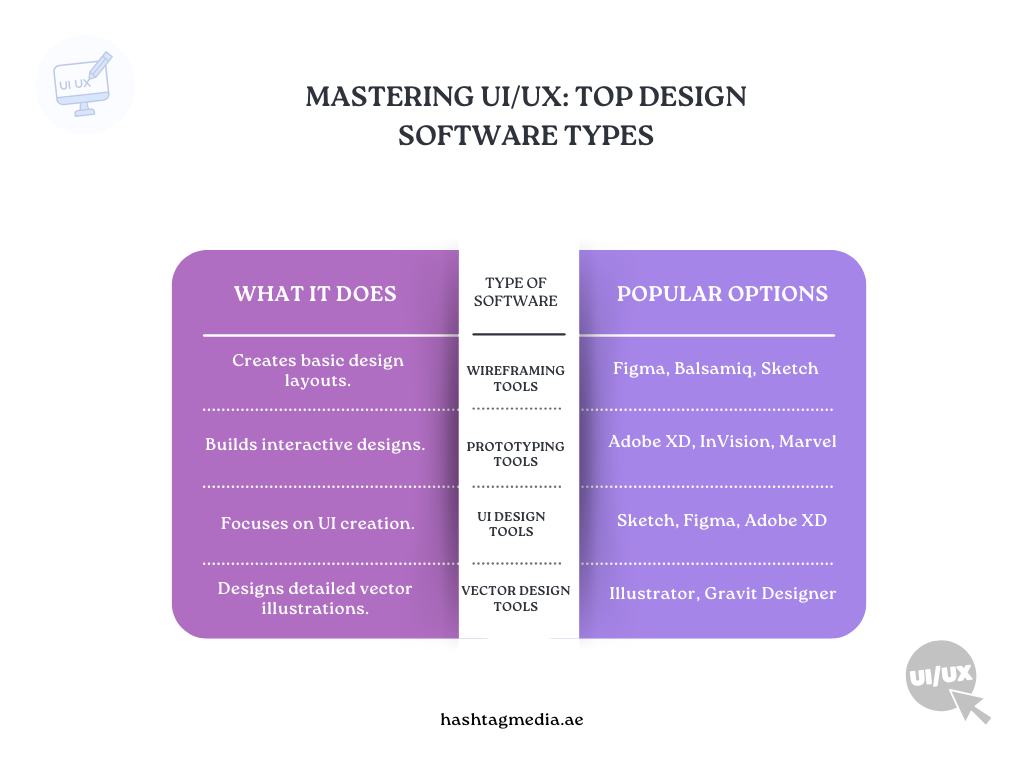
When it comes to creating stunning UI/UX designs without breaking the bank, these free tools are game-changers. Let’s dive into the top picks that can help you bring your ideas to life—without the hefty price tag.
i. Figma
Figma is one of the most used software for UI/UX design because of its user-friendly interface and collaboration features. It’s cloud-based, which means you can work with your team in real time, making it ideal for remote design teams.
What’s Great?
- Real-time collaboration
- Responsive design capabilities
- Prototyping and wireframing tools
- Free version available with all essential features
Figma’s free version is more than enough for small projects and freelancers. The tool also allows you to create prototypes, build user flows, and even run usability tests—all without leaving the platform.
ii. Adobe XD
If you’re familiar with Adobe products, Adobe XD is a great addition to your design toolkit. It’s easy to learn and offers advanced features for UI/UX design for enterprise software. The free version of Adobe XD comes with basic features that are suitable for most UI/UX designers.
What’s Great?
- Auto-animation and transitions for prototypes
- Collaboration and sharing capabilities
- Integration with other Adobe tools
- Free starter plan available
Adobe XD is perfect for designing mobile apps, websites, and even complex projects. Its ability to sync with other Adobe tools like Photoshop and Illustrator adds an extra layer of flexibility to your design process.
iii. InVision
Credit: toptal.com
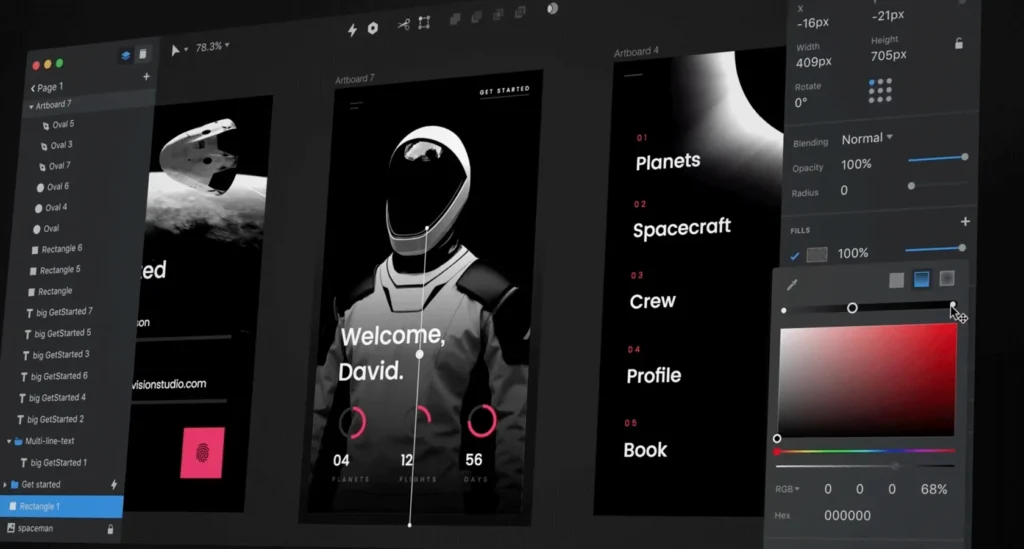
In Vision is another great option for UI/UX designers, particularly for creating high-fidelity prototypes. It’s designed for collaboration, making it ideal for teams that need to review and iterate on designs quickly.
What’s Great?
- Prototyping and animation tools
- Collaboration tools for feedback and discussions
- Free plan for individual designers
- Integrations with other design tools
InVision allows you to build interactive prototypes and user flows, making it a strong contender for designers working on enterprise UX design. You can quickly create clickable prototypes to demonstrate your designs to stakeholders.
iv. Gravit Designer
Gravit Designer is a vector design tool that works across all platforms. It’s perfect for UI/UX designers who need a lightweight, accessible tool that works on both web and desktop versions.
What’s Great?
- Cross-platform design tool
- Intuitive interface with advanced vector editing tools
- Free version with essential features
- Cloud syncing for easy access
Gravit Designer’s flexibility makes it an excellent choice for best UI/UX design software for Windows and other operating systems. You can use it for creating wireframes, user interfaces, and even logos.
v. Sketch (Trial)
While Sketch is not entirely free, it offers a 30-day trial which can be very useful for designers who need to evaluate it before committing. Sketch is known for its powerful vector editing tools and intuitive user interface, making it one of the best tools for UI/UX design.
What’s Great?
- Powerful vector tools for UI design
- Plugins and integrations to extend functionality
- Cloud collaboration and sharing tools
- Free trial for 30 days
Sketch’s focus on UI design makes it ideal for designers who need to create pixel-perfect interfaces. You can use it to design everything from buttons to full-page layouts for websites and mobile apps.
How Much Does It Cost to Hire a UX/UI Designer?
Credit: guru.com
The cost of UI/UX design for custom software can vary significantly depending on several factors. The complexity of your project, the hourly rates of designers, and the scope of work all influence the final cost. Here’s a breakdown of what to consider:
- Hourly Rates: Freelance UX/UI designers typically charge between $50 and $150 per hour, but this can increase for more experienced designers or for highly specialized work.
- Project Complexity: Simple designs will cost less, while complex projects such as enterprise-level software design will require more time and resources.
- Location: Designers from different regions may have different rates. For example, designers in the US may charge more than those in other countries.
For enterprise UX design, you can expect higher costs due to the scale of the project and the specialized skills required to create effective user flows and intuitive interfaces.
Key Factors that Influence UI/UX Design Cost
Several factors can impact the UI/UX design cost:
- Complexity of the Design Process: Simple websites or apps will cost less than designing complex enterprise software. The more intricate the user flows and the higher the number of screens, the higher the price.
- Designer Experience: More experienced designers charge higher rates due to their skill set and expertise.
- Project Scope: Larger projects require more time and resources, affecting the overall cost.
If you’re working with a budget, consider opting for best free software for UI/UX design until you’re ready to invest in premium tools. You can create prototypes, test designs, and iterate without spending too much money upfront.
How to Choose the Best UI/UX Design Software for Your Needs
Credit: hype4.academy
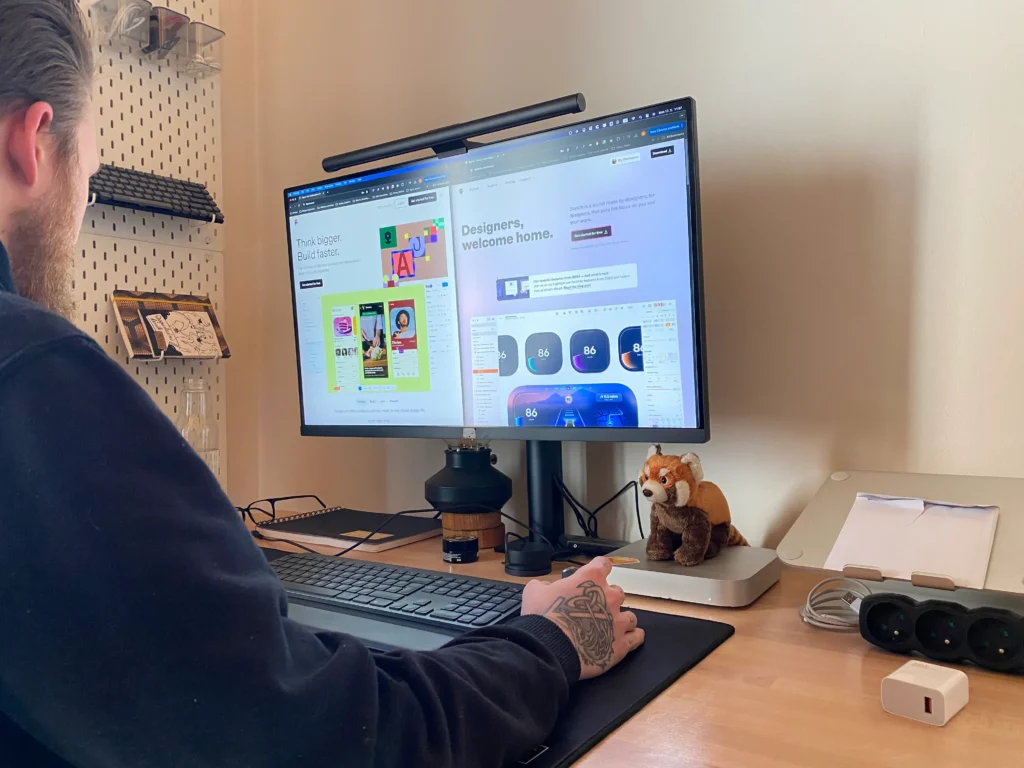
Choosing the right software depends on various factors such as the complexity of your project, the tools you’re comfortable using, and whether you’re working solo or as part of a team. If you’re designing user flows or working on complex projects, tools like Adobe XD and Figma are ideal due to their advanced features and collaborative capabilities.
For UI/UX design for enterprise software, ensure that the tool you select offers robust prototyping and testing features. InVision, Figma, and Adobe XD are all great options here as they support team collaboration and help you build comprehensive design systems.
The Bottom Line
Whether you’re just starting out or a seasoned pro, there are plenty of best free software for UI/UX design that can help you create amazing work. Tools like Figma, Adobe XD, and Gravit Designer offer everything from wireframing to prototyping—at no cost! If your project needs more advanced features, you can always explore premium versions or hire experts.
For complex, enterprise-level designs, or if you’re looking to take your business’s digital presence to the next level, I highly recommend checking out Hashtag Media’s UI/UX services and graphic design services. These experts can help make sure your designs not only look great but also align perfectly with your goals!
If you’re interested in learning more, check out Hashtag Media’s UI/UX service for expert design solutions! Time to check ’em out!
FAQ’s
Here’s a sneak peek at the FAQs you’re looking for!
What is the best free software for UI/UX design?
Figma, Adobe XD, InVision, and Gravit Designer are great free options for prototyping, wireframing, and collaboration.
How much does it cost to hire a UX/UI designer?
Freelance rates range from $50 to $150 per hour, depending on project complexity.
What is the most used software for UI/UX design?
Figma and Adobe XD are the go-to tools for their ease of use and collaboration features.
Can I design enterprise software with free tools?
Yes, tools like Figma and Adobe XD work well for enterprise designs, though more complex needs may require paid versions.
Do I need to pay for UI/UX design software?
Not necessarily! Many powerful free tools are available, but premium versions offer extra features for advanced projects.