Have you ever created a LinkedIn post that looked great but still didn’t get the engagement you expected? I’ve seen this happen often. The content is strong, but small details like image size, formatting, and layout can affect how people interact with it. LinkedIn is more than just a place for career updates. It’s now a powerful platform for brands, creators, and professionals to build trust, connect with audiences, and grow their presence. In this guide, I’ll cover everything you need to know about LinkedIn post size, including image dimensions, video limits, text length, and formatting tips to help your posts look better and perform stronger.
Why LinkedIn Post Size Matters
Your audience sees hundreds of posts every day. You only have a few seconds to grab attention. The correct LinkedIn post size helps your content appear clean, professional, and easy to consume. It also improves your chances of getting more reactions, comments, and shares.
Here is why size matters:
a) Better Visual Experience
A correctly sized image fits naturally on the LinkedIn feed. Users can see your message clearly without awkward cropping.
b) Higher Audience Engagement
Visual content attracts more attention. When your images, videos, and text look polished, people are more likely to stop and interact.
c) Stronger Brand Visibility
Consistent designs help people recognize your brand. Good creative design also supports your overall content strategy.
Whether you are sharing educational content, promotional content, or company updates, the right format can make your post more impactful.
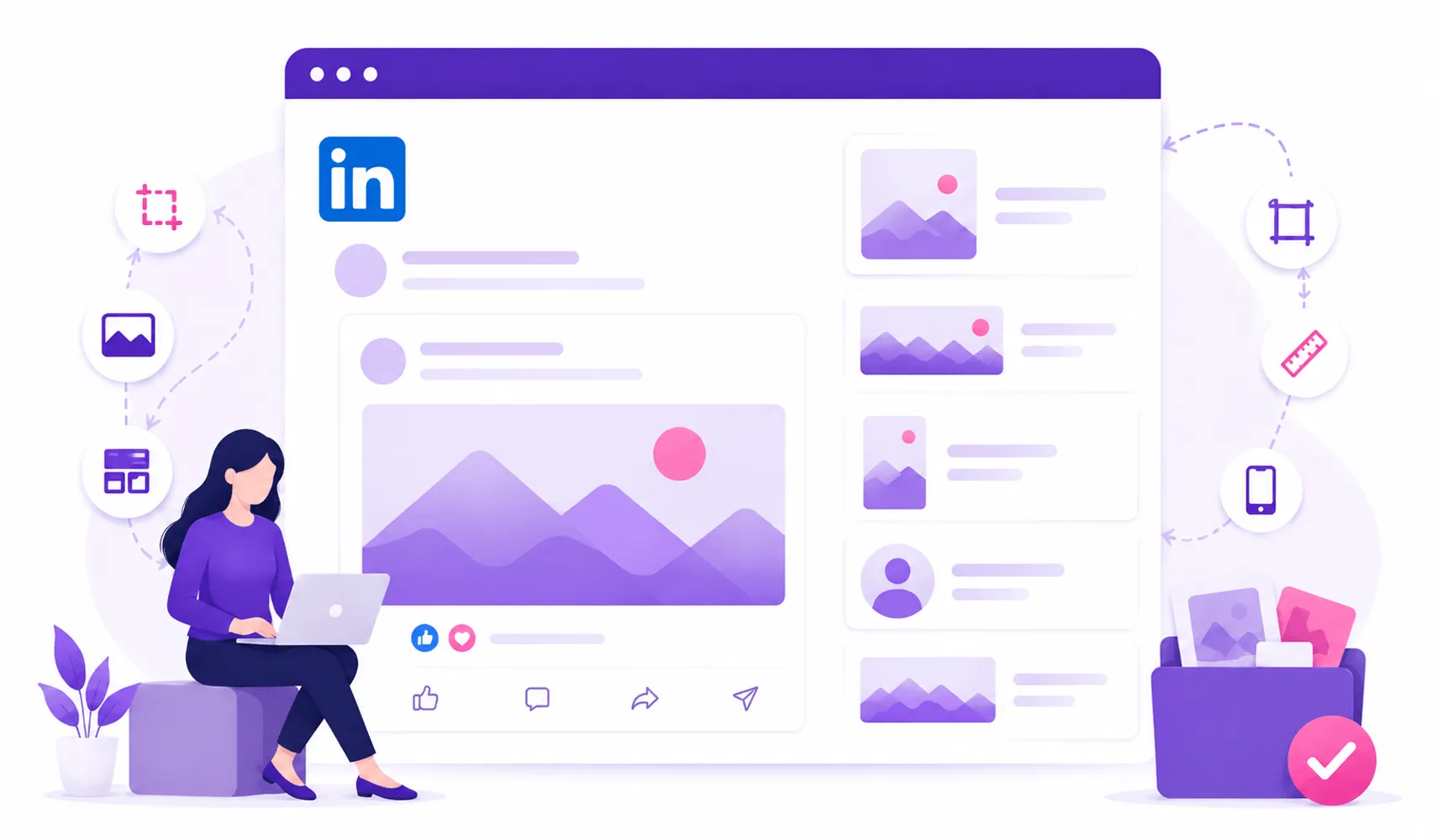
Recommended Image Sizes for LinkedIn Posts

Credit: linkedin.com
Images are one of the most popular content formats on LinkedIn. They help businesses showcase products, share ideas, and create memorable posts.
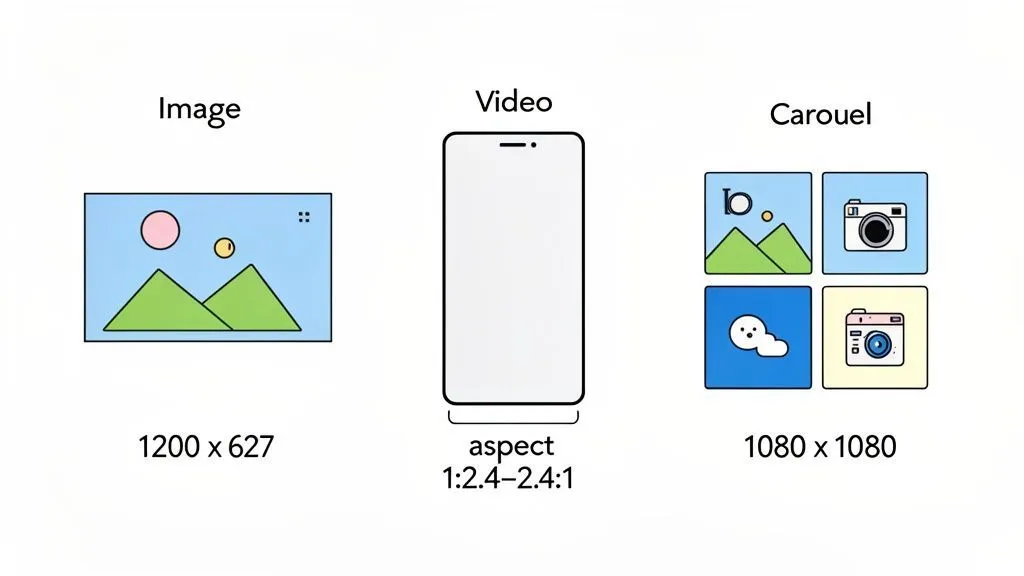
The recommended LinkedIn image sizes are:
- Single image post: 1200 x 1200 pixels (square)
- Landscape image: 1200 x 627 pixels
- Portrait image: 1080 x 1350 pixels
- LinkedIn banner image: 1584 x 396 pixels
The best image size for LinkedIn post depends on your content style. Square images work well for simple announcements. Portrait images often take more space in the feed and can increase visibility.
When creating graphics, focus on these important factors:
- Clear text placement
- High-quality visuals
- Mobile-friendly design
- Strong contrast
- Consistent branding
The correct LinkedIn post image size can improve your professional appearance and help your content perform better.
Understanding LinkedIn Post Dimensions and Pixels
Credit: linkedgrow.ai
Many creators search for LinkedIn post size dimensions because they want their content to look perfect before publishing.
The LinkedIn post size in pixels usually depends on the content format you choose. LinkedIn supports different layouts, but keeping your images between recommended dimensions prevents quality issues.
For example:
- Square images: 1200 x 1200 pixels
- Horizontal images: 1200 x 627 pixels
- Vertical images: 1080 x 1350 pixels
Using the correct LinkedIn post size ratio ensures your image does not appear stretched or cropped.
A good rule is simple:
Create for clarity, not just size.
Your image should communicate your message quickly and support your written content.
Video Dimensions and Limits on LinkedIn
Video content continues to grow on LinkedIn. Brands use videos for tutorials, company stories, product launches, and expert opinions.
LinkedIn supports:
- Video aspect ratios: 1:2.4 to 2.4:1
- Recommended video size: 1080 x 1920 pixels for vertical videos
- Recommended landscape size: 1920 x 1080 pixels
- Video length: 3 seconds to 10 minutes
- Maximum file size: 5GB
Short videos often perform well because they deliver information quickly.
To improve video performance:
- Start with a strong opening line
- Add captions
- Keep your message focused
- Use professional visuals
- Include a clear call to action
The LinkedIn algorithm rewards content that keeps users watching and interacting.
Text Limits for LinkedIn Posts
Credit: emergingtechpolicy.org
Images matter, but your words still drive conversations.
LinkedIn allows up to 3,000 characters in a standard post. However, shorter posts often perform better because people prefer quick and valuable information.
Here are some writing tips:
i. Start With a Strong Hook
Your first sentence decides whether people continue reading.
Examples:
- “Most businesses make this LinkedIn mistake.”
- “I learned this after creating hundreds of posts.”
- “Your LinkedIn content may need a simple fix.”
ii. Keep Sentences Short
Short sentences improve readability. They also make your message easier to understand on mobile devices.
iii. Add a Clear Call to Action
Tell your audience what to do next.
Examples:
- Share your thoughts below.
- Comment on your experience.
- Save this guide for later.
Strong LinkedIn post formatting helps users scan your content and encourages more interaction.
LinkedIn Post Formatting Tips for Better Engagement
Great content needs great presentation.
Here are some simple formatting techniques:
- Use short paragraphs
- Add bullet points
- Use emojis carefully
- Highlight important ideas
- Create white space
A clean structure makes your post easier to read.
For example:
Problem: Your LinkedIn posts are not getting attention.
Solution: Improve your visuals, timing, and formatting.
Result: Better post engagement and stronger audience connection.
This simple approach works because people quickly understand the value of your content.
Tips to Maximize Engagement With LinkedIn Post Sizes

Credit: skedsocial.com
Choosing the right format is only the first step. You also need a smart publishing strategy.
Understand Your Target Audience
Different audiences prefer different content formats.
A B2B audience may prefer:
- Industry insights
- Reports
- Professional tips
A creative audience may prefer:
- Visual stories
- Behind-the-scenes content
- Design-focused posts
Knowing your audience helps you create impactful content.
Focus on Timing of Posts
Posting at the right time can improve visibility.
Many businesses find success by posting during working hours when professionals actively use LinkedIn.
However, always test different times because every audience behaves differently.
Follow Trends in Content
LinkedIn trends change regularly.
Currently, many successful posts include:
- Personal experiences
- Educational content
- Short videos
- Industry opinions
- Helpful guides
Adapt your content while keeping your brand voice consistent.
Optimize Your Profile
Your post is only one part of your LinkedIn presence.
Profile optimization helps visitors understand who you are and what you offer.
A strong profile combined with quality content can support lead generation and long-term growth.
For businesses looking to improve their LinkedIn strategy, professional support can help. Explore our social media management services to create consistent content, improve brand visibility, and manage your social presence effectively.
Common LinkedIn Post Size Mistakes to Avoid
Credit: postfa.st
Even great ideas can lose impact because of simple mistakes.
Avoid these common problems:
a) Using Low-Quality Images
Blurry images reduce trust and make your brand look less professional.
b) Ignoring Mobile Users
Most people browse LinkedIn on mobile devices. Always check how your content looks on smaller screens.
c) Adding Too Much Text on Images
Your image should support your message, not overwhelm your audience.
d) Forgetting Engagement Elements
A post without a question, opinion, or call to action may receive fewer interactions.
e) Using the Wrong Format
Choosing incorrect LinkedIn posts size formats can affect how your content appears in the feed.
LinkedIn Image Size Best Practices
If you want better results, follow these simple rules:
- Use high-resolution images
- Maintain consistent branding
- Keep designs simple
- Test different formats
- Track performance results
The right size of a LinkedIn post image improves presentation and supports better engagement.
Remember, the goal is not only to create a good-looking post. The goal is to create content that connects with people.
Frequently Asked Questions
Let’s give you quick answers to optimize your LinkedIn posts and improve audience engagement.
What is the ideal LinkedIn image size?
The recommended LinkedIn image size is 1200 x 1200 pixels for square posts and 1200 x 627 pixels for landscape images. These formats display clearly across devices.
What is the best image size for LinkedIn post?
The best image size for a LinkedIn post depends on your content type. Square and portrait formats usually perform well because they take more space in the feed.
How many characters can a LinkedIn post have?
A LinkedIn post can contain up to 3,000 characters. However, shorter and focused posts often receive stronger engagement.
How do I see scheduled posts on LinkedIn?
You can view scheduled posts through LinkedIn’s post creation tools. Open the publishing menu and check your scheduled content section.
Can incorrect post sizes reduce engagement?
Yes. Incorrect dimensions can make images appear cropped, unclear, or less professional, which can affect audience response.